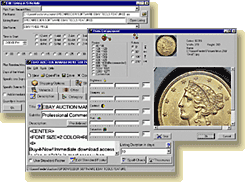
You will see the SpoonFeeder Splash Screen briefly when the program starts. Click anywhere to close it.
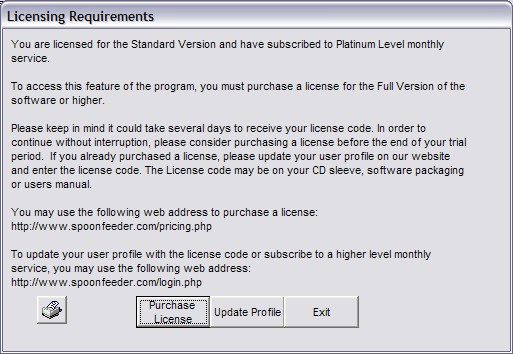
Depending on the features you try to use and depending on
your license level and service level status you may see a licensing dialog appear.
If you are using a free trial version of the software just press the "Continue Trial" button, otherwise you
will need to enter your license code into your user profile on the SpoonFeeder website.
You must also enter your registered SpoonFeeder email address and case sensitive password into the setup section
of the SpoonFeeder program on your computer.
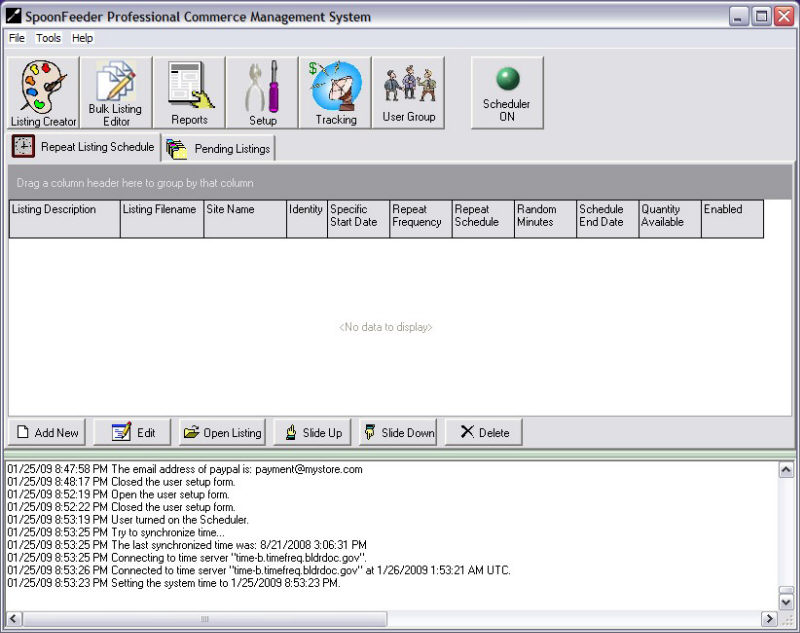
The main screen of the SpoonFeeder Software, which shows the log messages from recent events, scheduled listings, and buttons to enter Setup, the Listing Creator, the Bulk Editor and more.
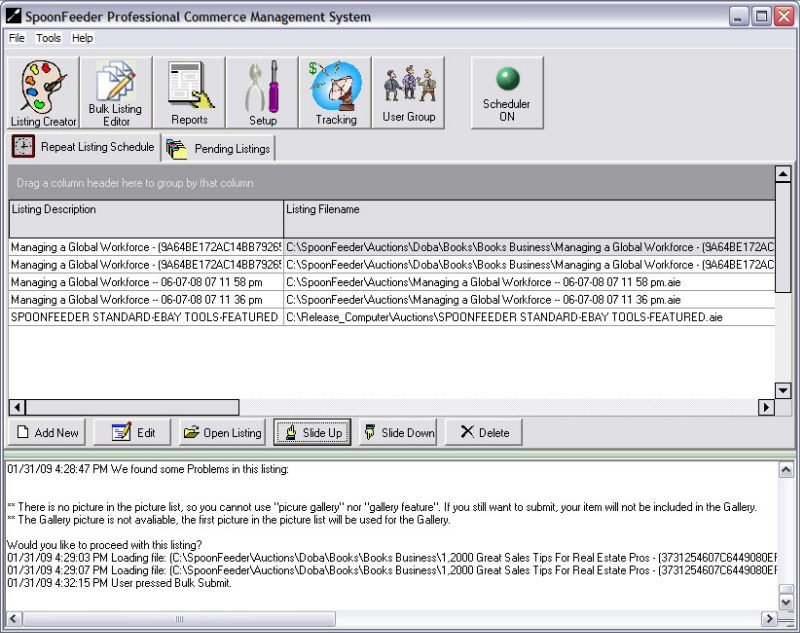
The main screen showing the repeat listing scheduler for recurring listings.
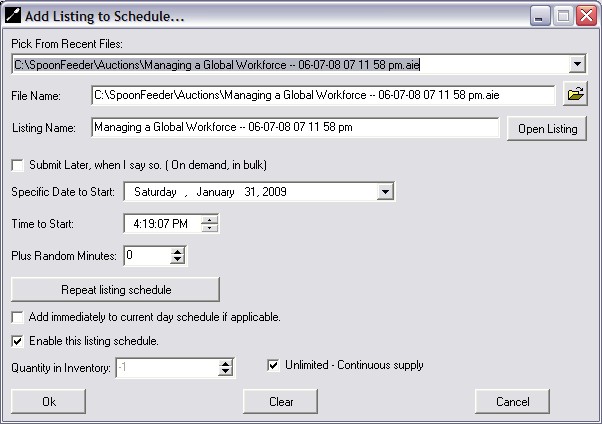
Adding a listing to the repeat listing schedule
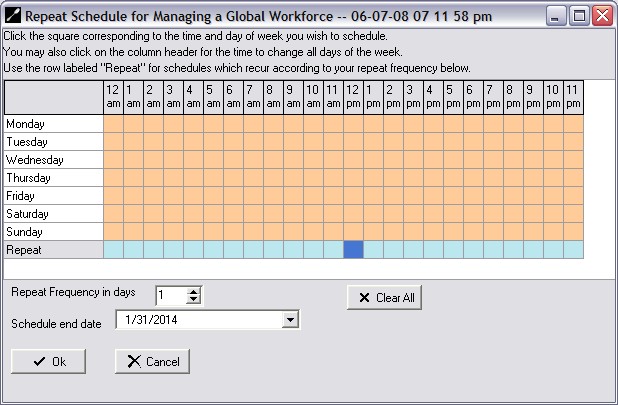
Schedule using a week grid to specify the days of the week for the repeat listing schedule.
Each listing can be scheduled by the days of the week or every certain number of days.
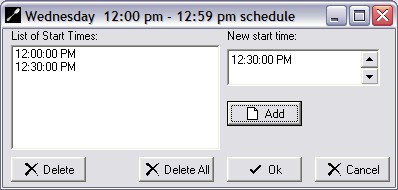
Pick your time(s) for the repeat listing scheduler.
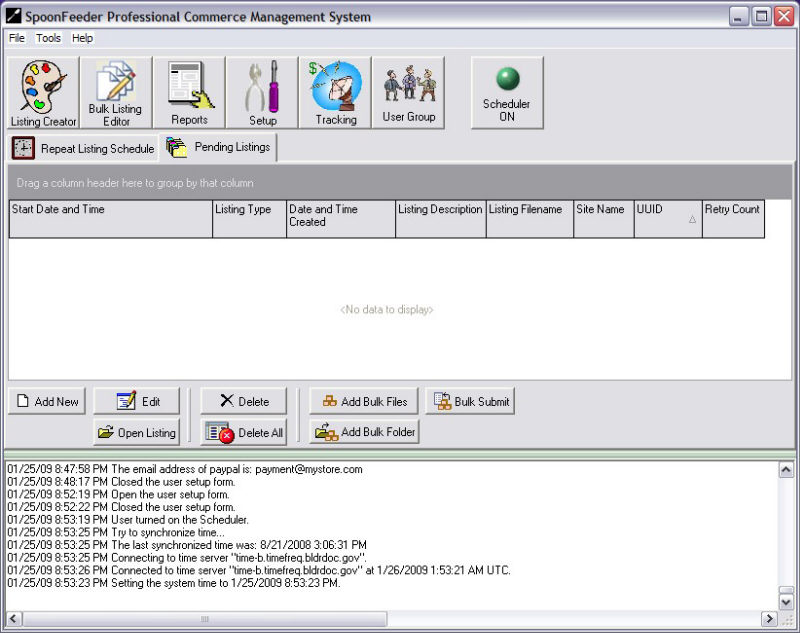
The Pending Listings tab is where the current day's listing schedule is waiting in queue to be submitted.
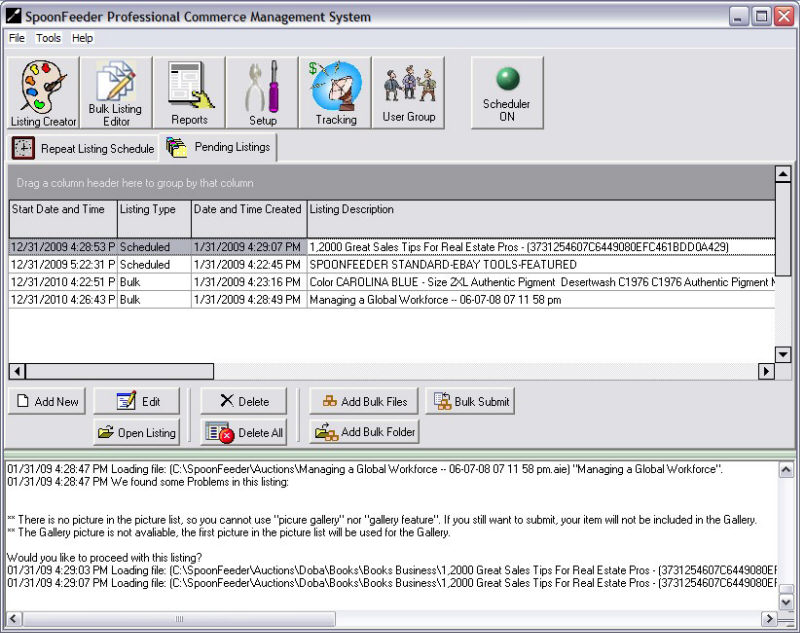
Pending listings with some listings scheduled and waiting, others remain in bulk status
until you give the command to submit them.
Start your listings automatically, whenever you want, without being stuck at your computer.
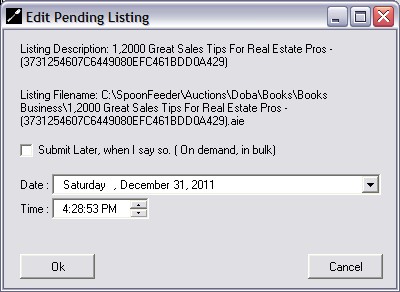
You may edit the submission time on any listing.
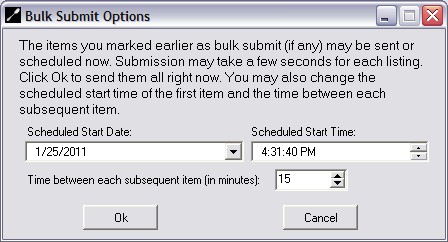
If you have a lot of listings to submit in bulk you can specify the delay between listings.
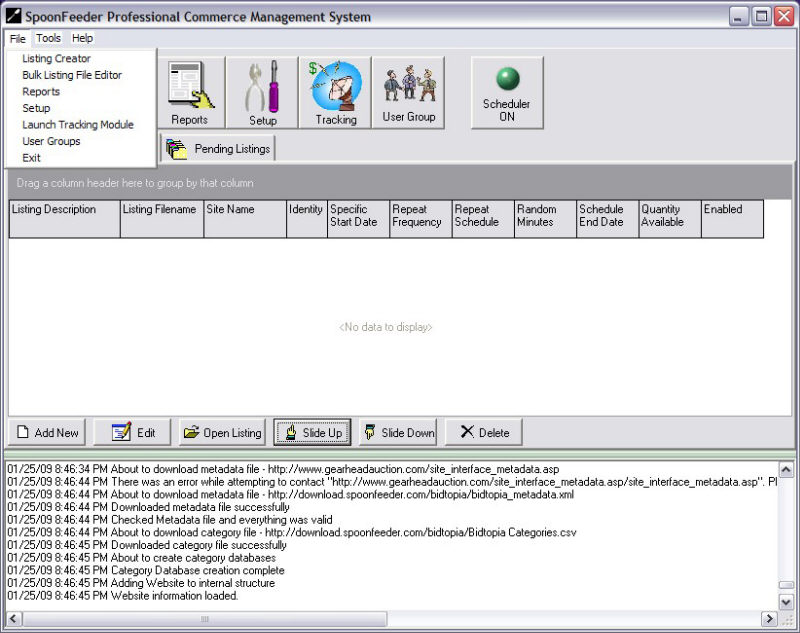
The main screen file menu gives access to many functions using the menu instead of buttons.
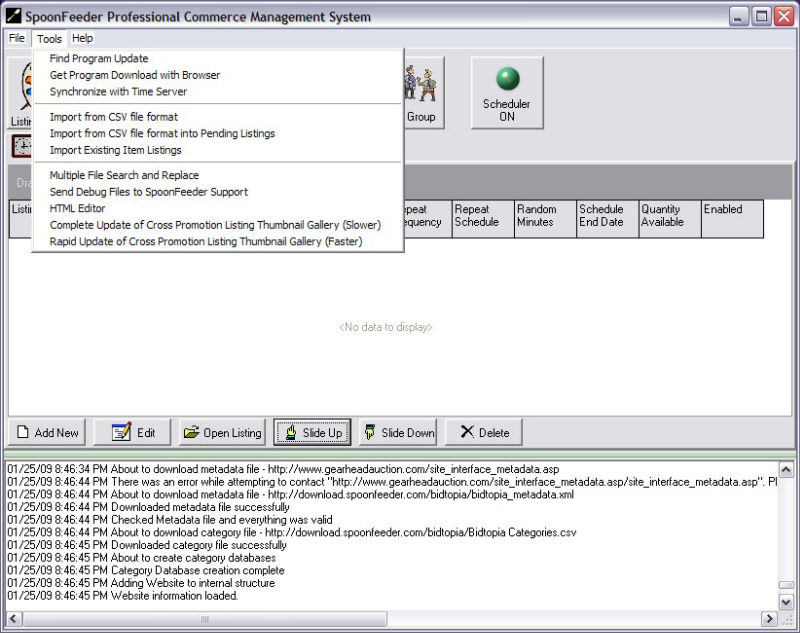
The tools menu lets you check for program updates, helps you download and install them,
sychronize your computer's time with a standard time server, import listings from CSV format,
import from Turbo Lister CSV format, import directly from eBay, perform multiple file
search and replace and even access a complete HTML editor built right in.
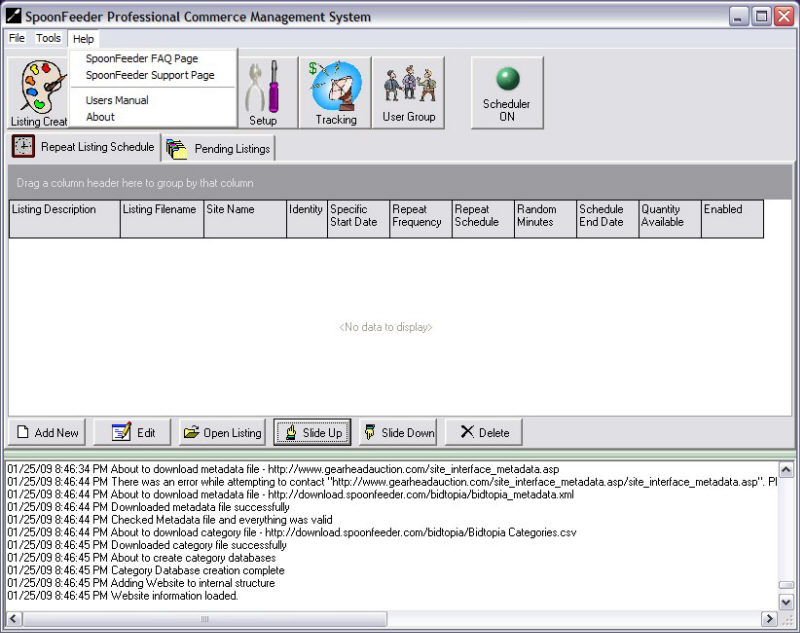
SpoonFeeder has a users manual in Adobe Acrobat PDF format which can be viewed, searched and printed.
The help menu gives you easy access to the manual for quick help, and also liks you directly to
SpoonFeeder's website frequently asked questions page (FAQ) or the SpoonFeeder support page where
you can send questions to our support staff or access our telephone support line.
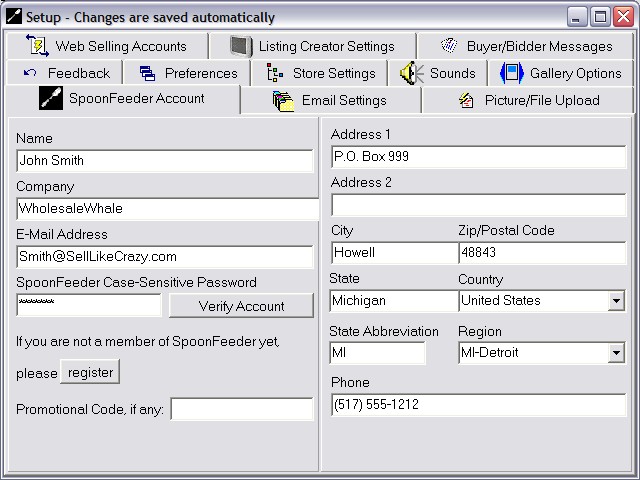
The setup section lets you enter preferences and settings to be used in the rest of the program.
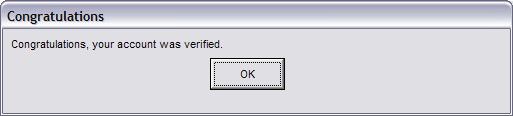
After you enter your correct email address and the case sensitive password you selected during registration,
SpoonFeeder will confirm that your account is setup properly.
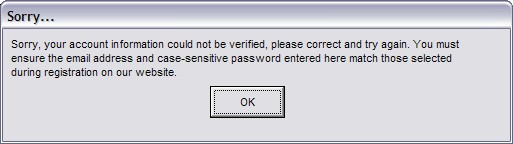
If something is not right with your email address, password or account status, SpoonFeeder will let you know so you can correct it.
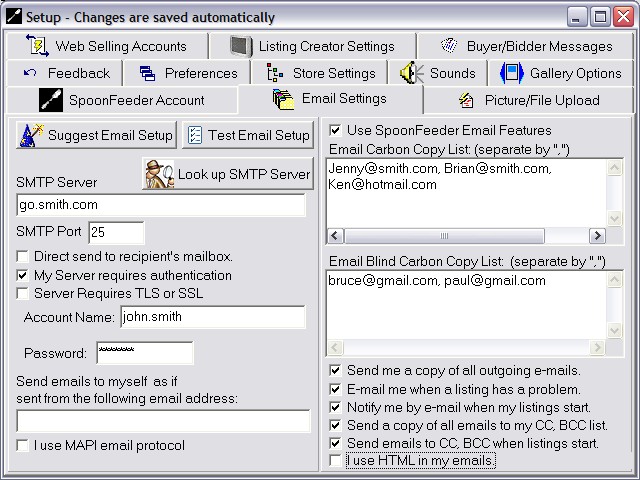
Common email servers can be setup automatically using our email setup wizard, or you can choose to
bypass all email features if you like. SpoonFeeder can email you and your clients at various
points in the selling process, from listing, to purchase, to payment and shipping.
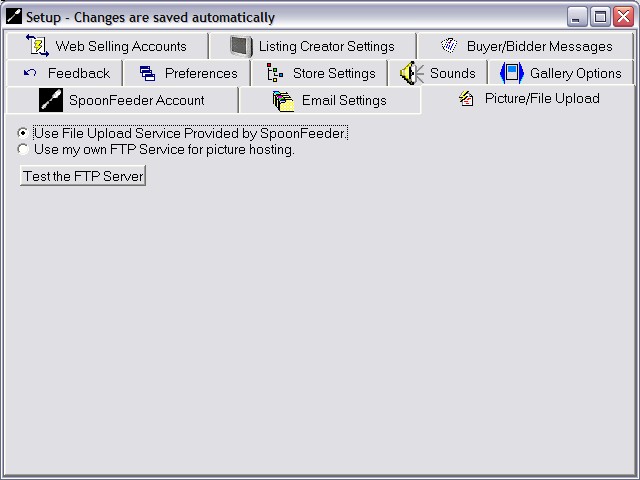
SpoonFeeder offers an integrated free unlimited picture upload service, or you may use your own service.
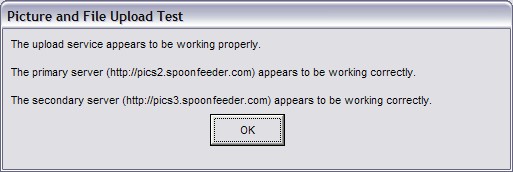
When you define the picture upload server you wish to use, you can test it to make sure its working.
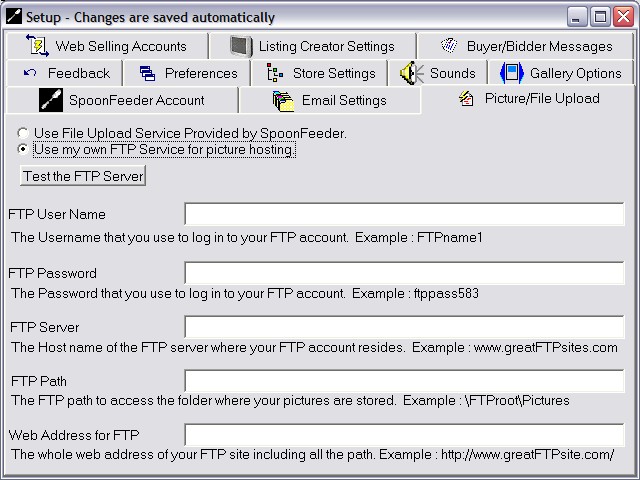
If you want to use your own FTP picture hosting service, or a third party service, you can
define the server and account details and SpoonFeeder will then integrate its functions with
other picture hosting services.
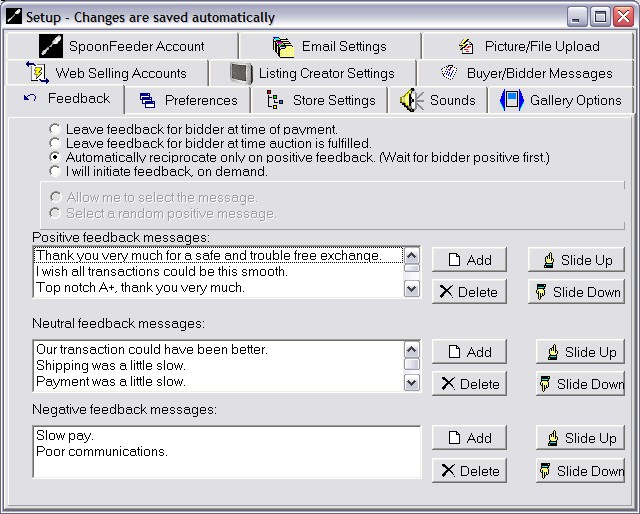
SpoonFeeder helps save you time by organizing a database of ready made feedback messages.
You can even configure the sysem to automatically reciprocate on positive feedback,
waiting for the bidder positive feedback before leaving them a positive rating and message.
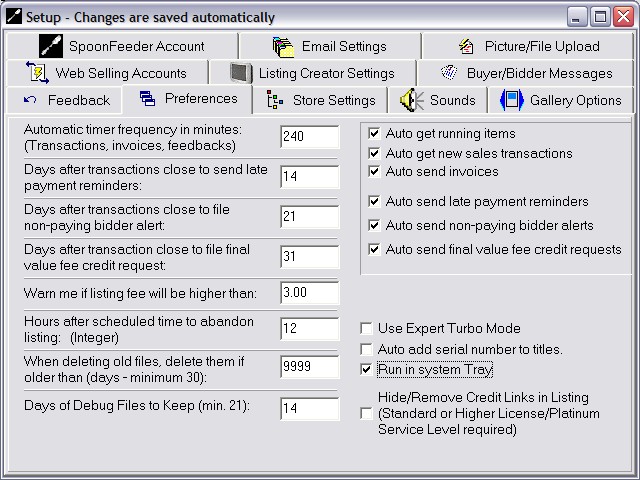
You may configure many preferences defining the way the system should handle its various automatic functions.
The software may also be configured to run in the system tray, automatically add serial numbers
to titles, or make listings in a streamlined "turbo mode" to dramatically speed up the creation of many
similar listings.
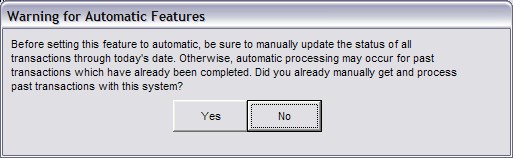
SpoonFeeder always warns you and keeps you safe from mistakes.
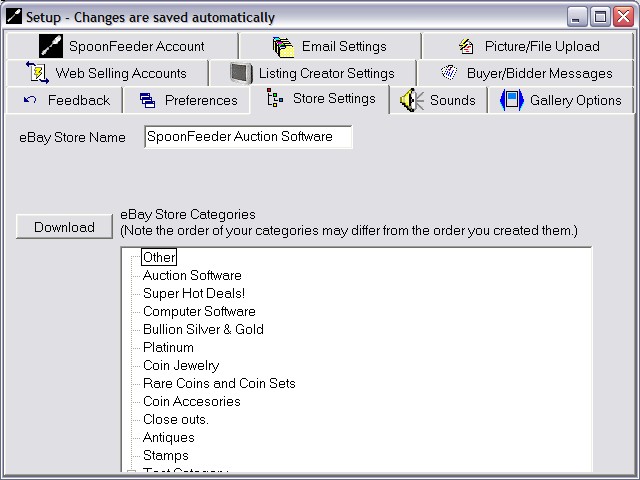
SpoonFeeder integrates with and downloads any store custom categories you defined on eBay.
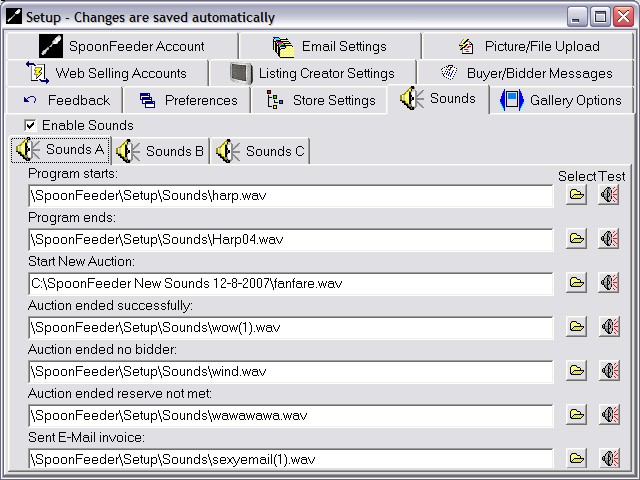
Its always fun to have the system make specific sounds as it performs each of the various tasks.
You may turn off these sounds completely, use the default sounds, or change any of the sound
effects to be anything you like including recordings of your own voice, MP3 music files, or
cool sound effects you find on the web.
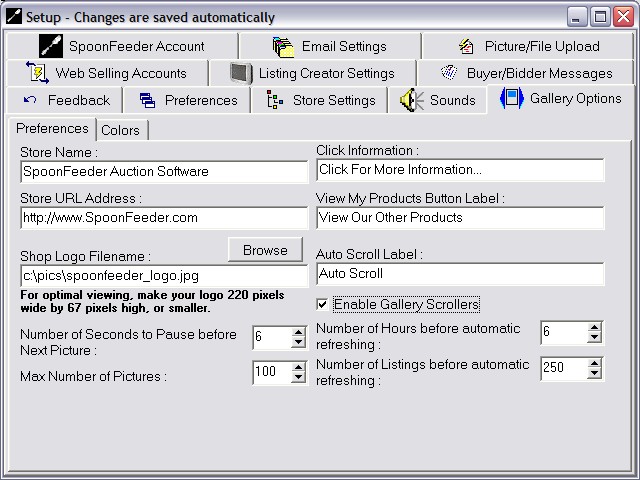
Cross Promoting your other items is a great way to get your bidders looking at all your other merchandise.
Thats why SpoonFeeder includes a scrolling graphical picture widget to highlight and draw attention to
your other items. You may optionally include this in your listings and you can configure it with your messages,
your company logo, and your own colors.
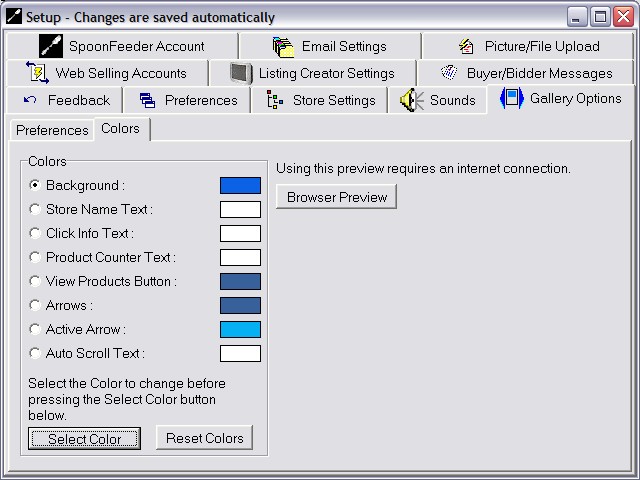
Define your own colors to use with the cross promotional gallery scroller widget.
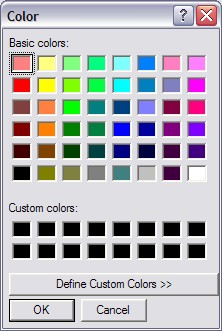
Select any color in the rainbow.
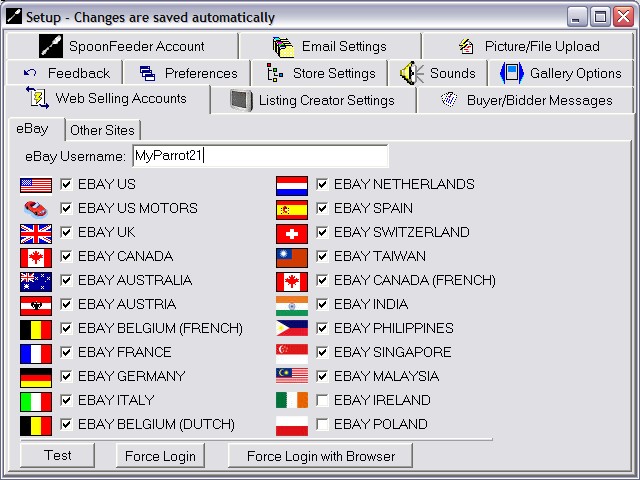
Sellers may define their eBay account ID and check the international eBay sites on which they sell.
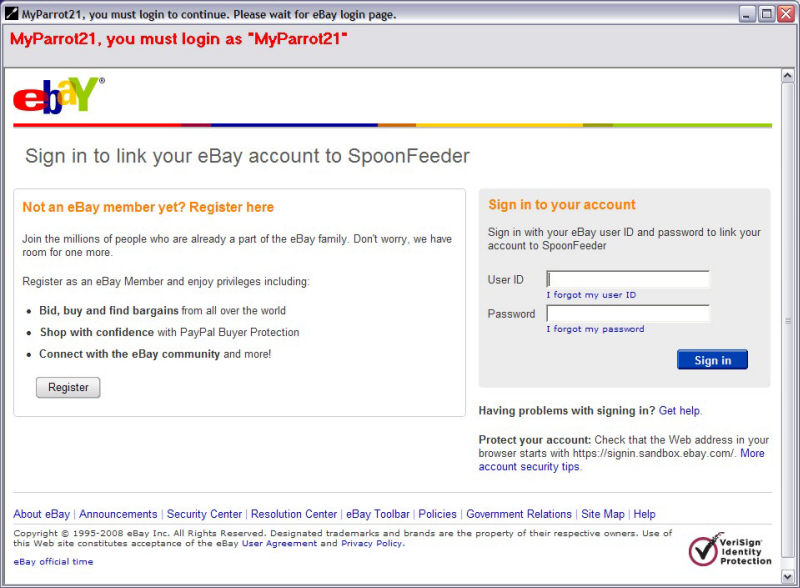
Use eBay's secure authorization and authentication token system to login and link your eBay account to SpoonFeeder.
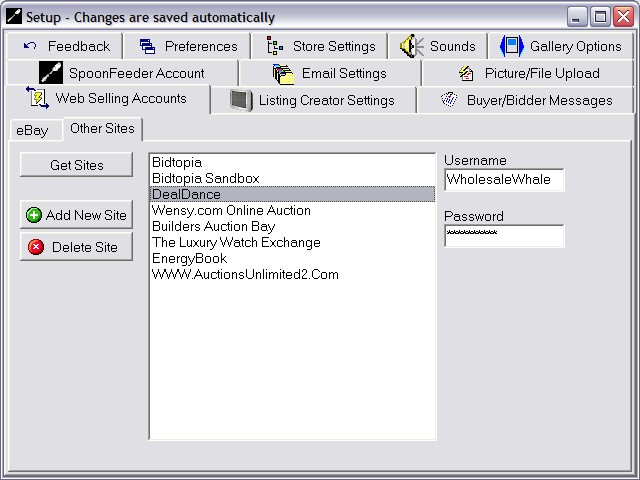
eBay is just the beginning with SpoonFeeder. Now you can define many other auction and ecommerce selling websites
to use with SpoonFeeder. Take your business multi-channell by listing your merchandise for sale in many different places.
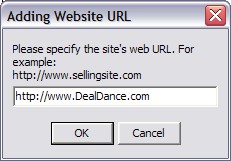
Just type in the URL web address of any supported website,
define your login credentials from that website, and SpoonFeeder is ready to submit listings there too.
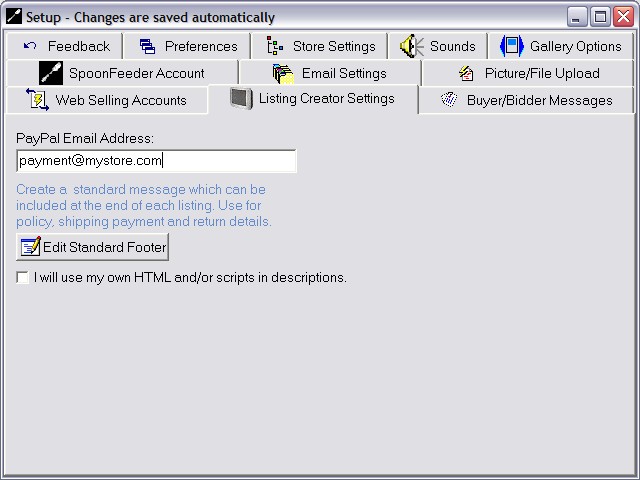
Define your Listing Creator settings.
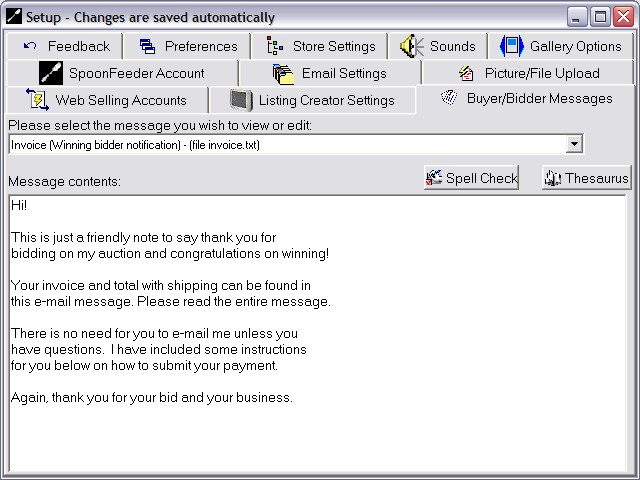
Setup standard messages to send to buyers at various points in the post sales process. With the click of
one button you can keep your buyers informed about the status of their purchase, payment and shipment.
SpoonFeeder email features really streamline your process and keep buyers happy with good communications.
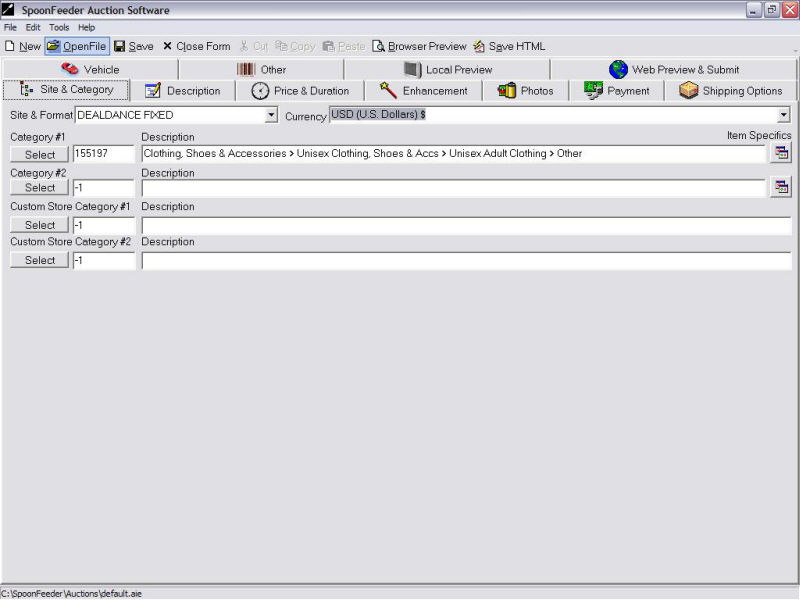
The Listing Creator is where you can work on the details of a specific single listing. It is divided into a
series of tabs, one for each part of the listing including payment, shipping, price and other settings.
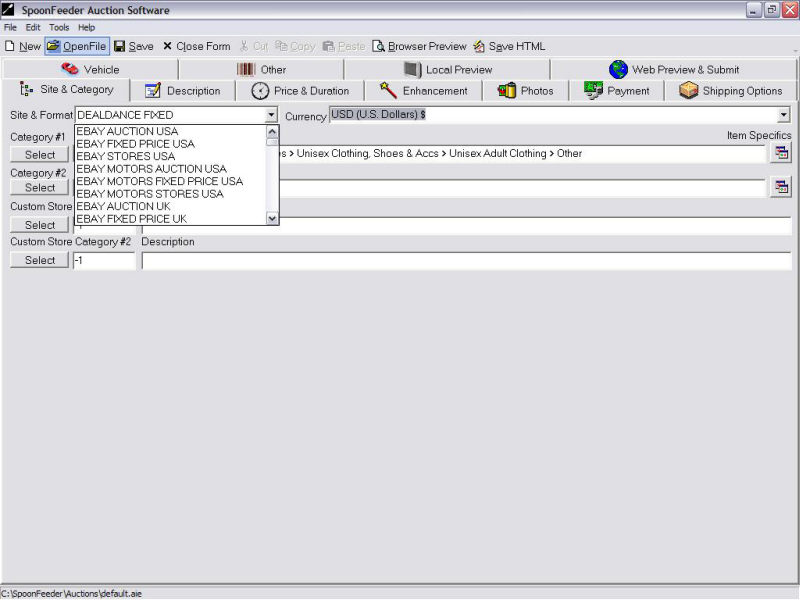
Use the Site & Format drop-down to select the site this listing will be submitted for. This automatically selects the default currency to be used in the listing as well.
If the site supports multiple currencies, you may also select from the available currency types using a drop down list.
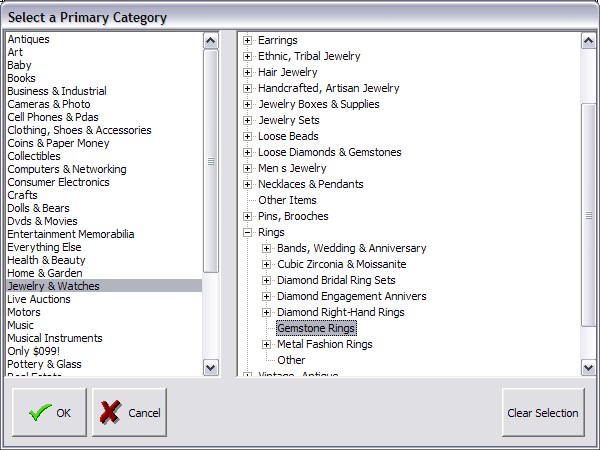
Use the Category tree to select the Category that will be used. Be sure to select a relevant category to result in more views/bids on your listing.
SpoonFeeder uses a graphical expanding tree control to let you easily and quickly drill down to find the most appropriate category for your item.
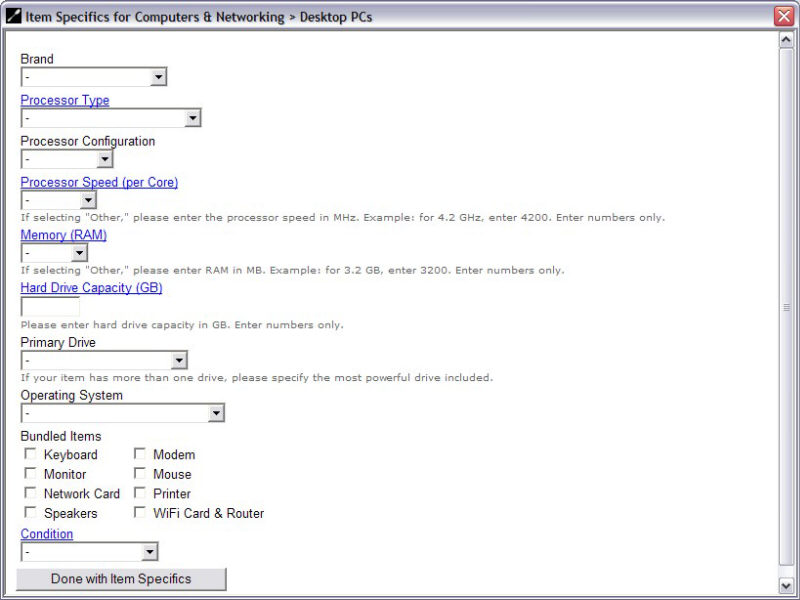
On eBay some items have additional attributes and characteristics that may be defined depending on the category item specifics.
If your selected category has item specifics, SpoonFeeder will help you fill them out so your item will have the
best search results possible.
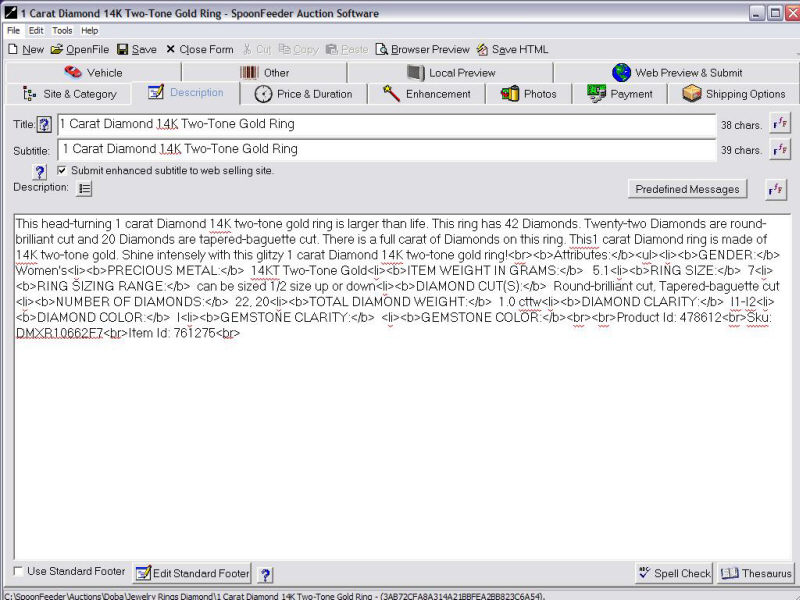
A complete description of your item can go a long way towards increasing the final bid price.
You may use raw html commands, or if you don't know html just use simple text there is no need
to learn or know html. If you have your own templates or listings in other tools you can
paste in graphical html from other sources such as from the built in html editor on the main tools menu.
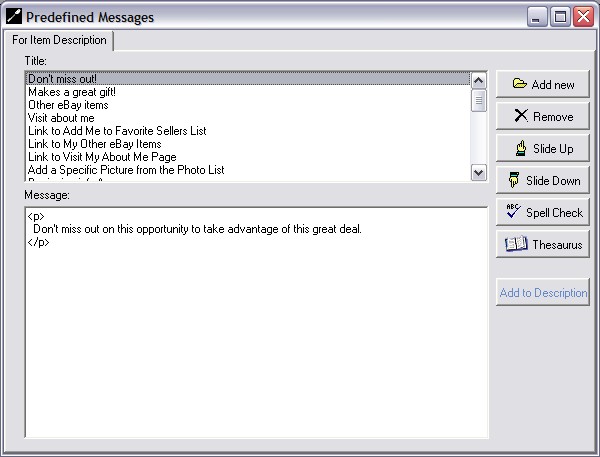
Tired of typing the same message in similar listings? Enter it once and reuse it over and over with
predefined messages. This is a great way to store reusable paragraphs, standard descriptions, or even
script commands, common html snippets, or code snippets from third party tools.
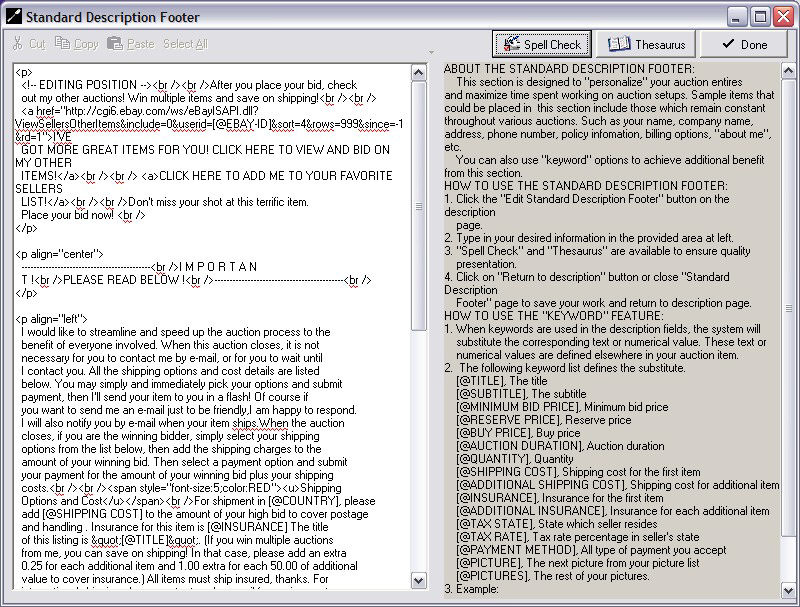
Create a standard footer text that you may optionally include at the end of your listings. Use it to
explain your terms and conditions and standard policies and instructions to buyers.
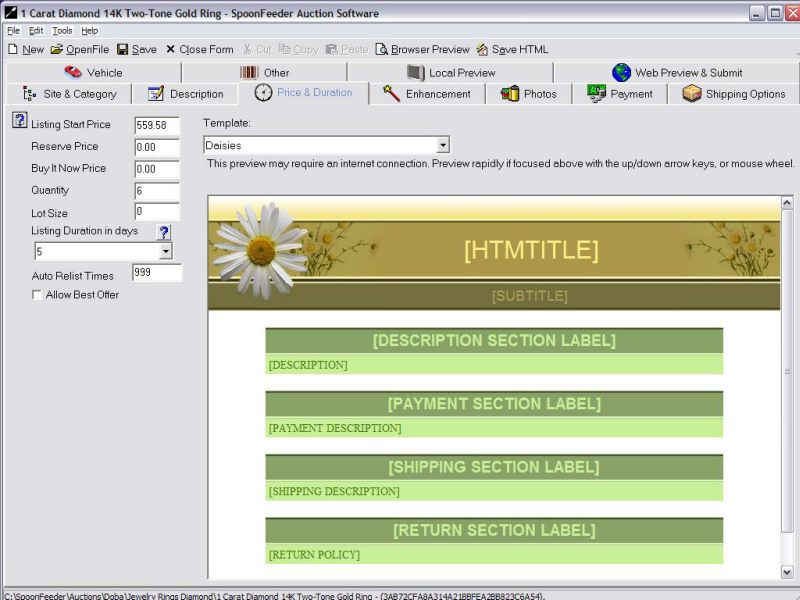
Specify the starting price, fixed price, reserve price, listing duration, auto relist times and more.
Choose a professionally designed template to provide a background and add more color to your listing.
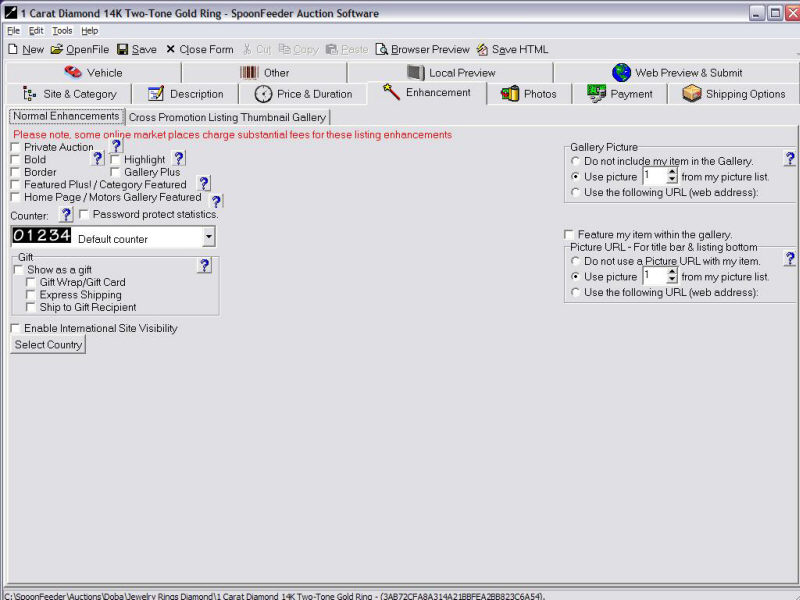
Add any enhancements you would like to your listing, such as bold or featured. Remember the options you pick may result in higher listing fees charged by the auction site.
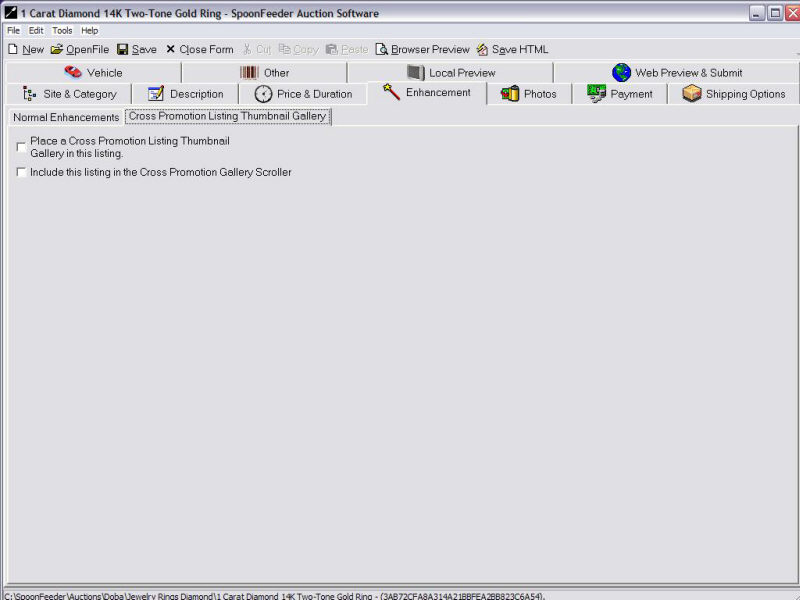
Choose to include a cross promotional gallery scroller widget inside the current listing, and whether or not to include
the current listing in other cross promotional gallery scrollers in your other listings.
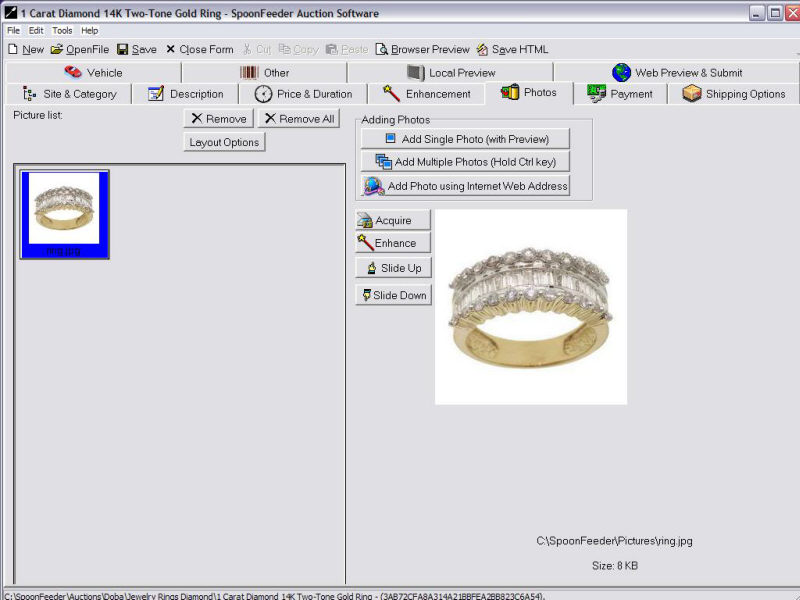
Add as many pictures to your listing as you like.
There is no added cost for adding all the pictures you need and this is a great way to
help convince buyers to purchase your item or bid higher.
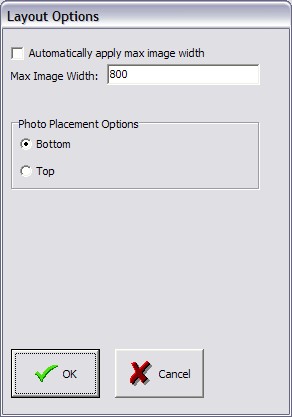
SpoonFeeder give some picture layout choices and even has the ability to automatically resize pictures to a
maximum width that you specify. This is a great time saver instead of resizing each picture individually.
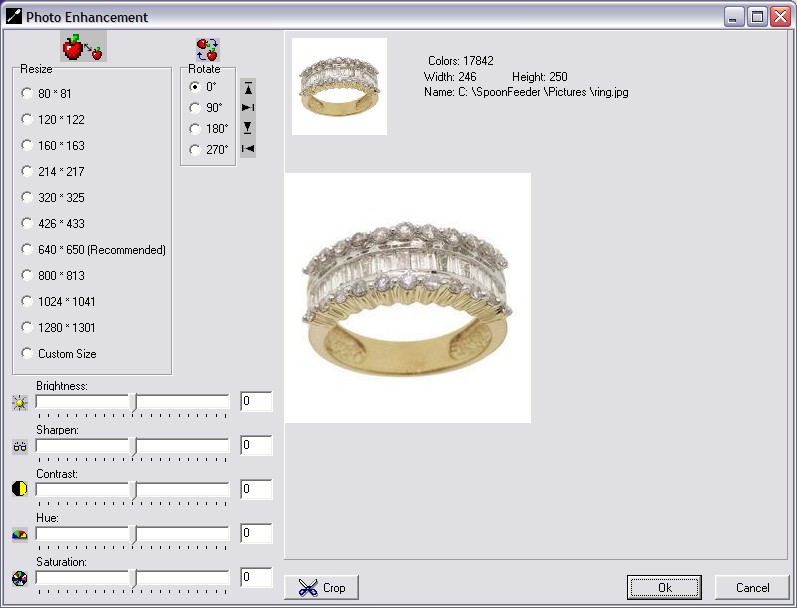
Touch up/resize your pictures to show off your item to it's best advantage. Rotate, adjust brightness, contrast, and more.
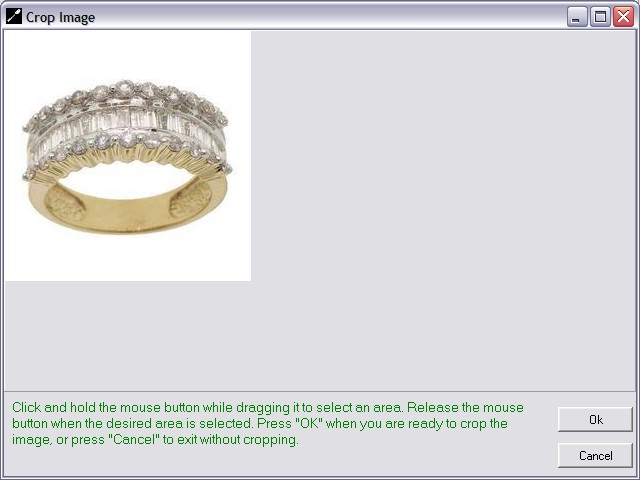
Easily crop your pictures to reduce their size or single out a specific area.
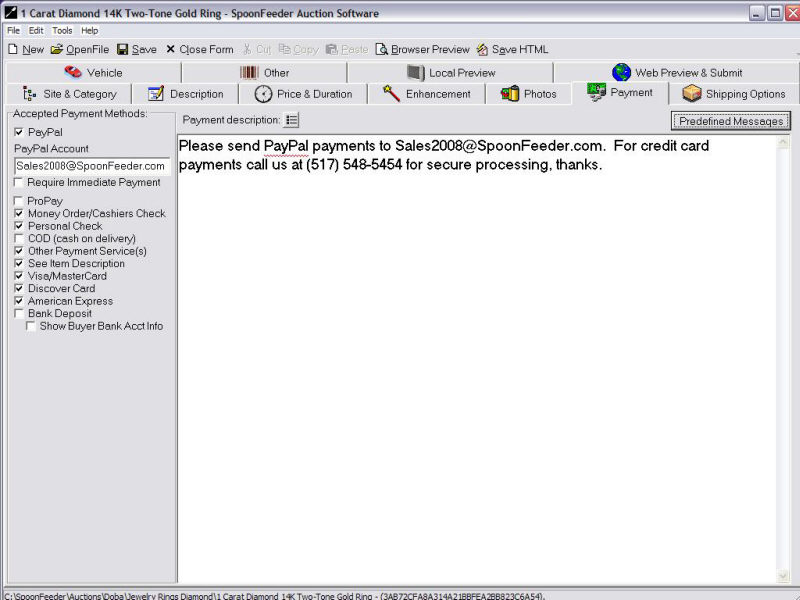
Payment options are commonly displayed on the listing, and provide buyers a quick way to check the payment methods you will accept.
SpoonFeeder lets you specify any of the the major payment services.
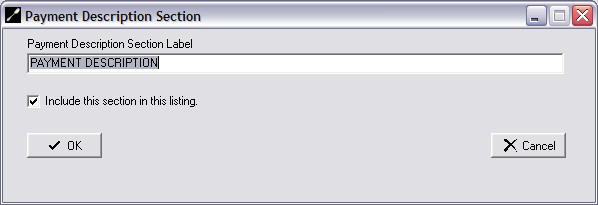
Each section in SpoonFeeder templates can have a text label you define above the section, or you may optionally turn off any template section.
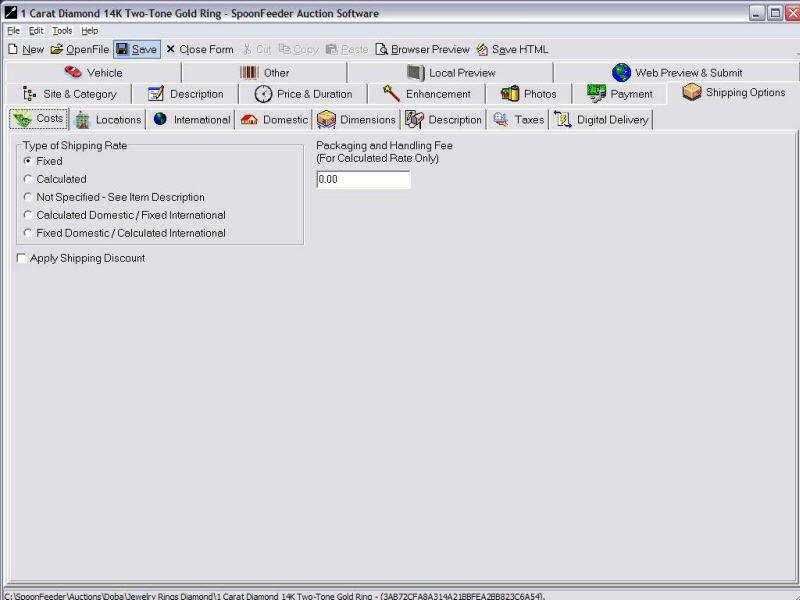
Select the shipping methods you will employ and the associated cost to the buyer.
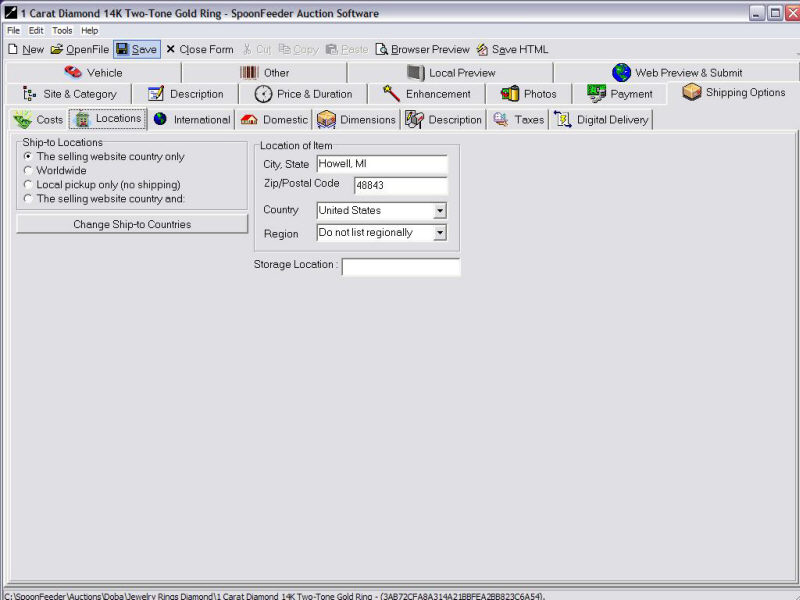
Define the location of your item and where you are willing to ship.
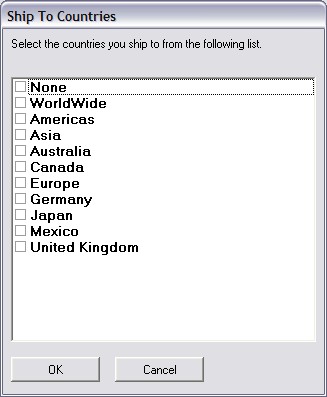
You can get very specific with defining the countries you are willing to ship to.
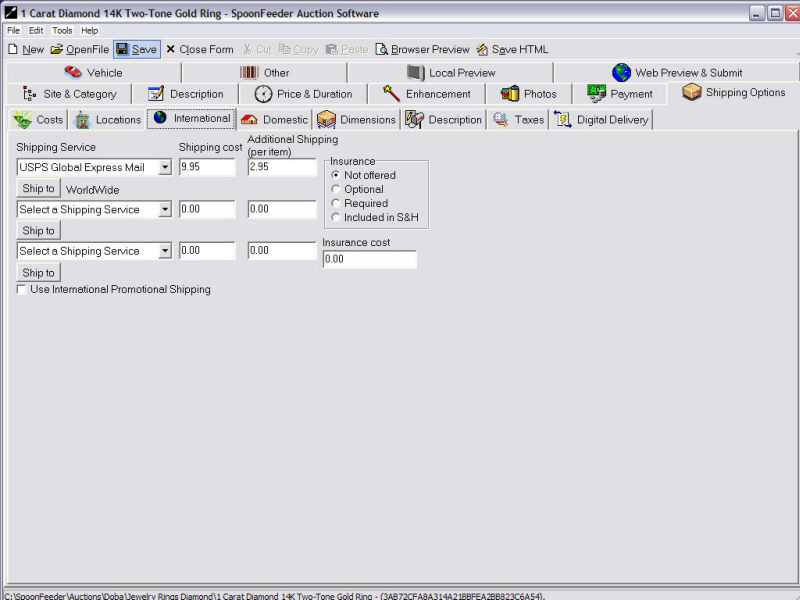
Choose up to three international shipping services, and their associated cost. The services change depending
on the international site on which you are selling, so for example if you list to UK you will see UK shipping services.
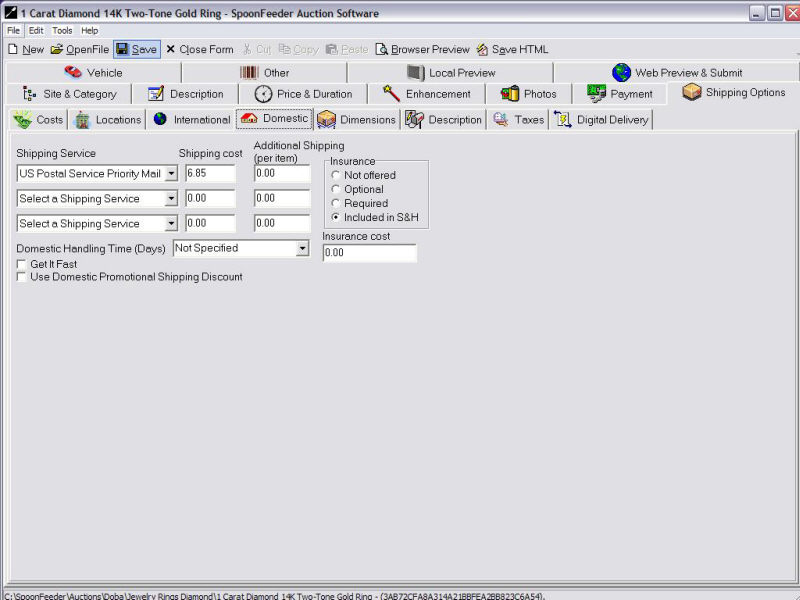
Choose up to three domestic shipping services, and their associated cost. The services change depending
on the international site on which you are selling, so for example if you list to UK you will see UK shipping services.
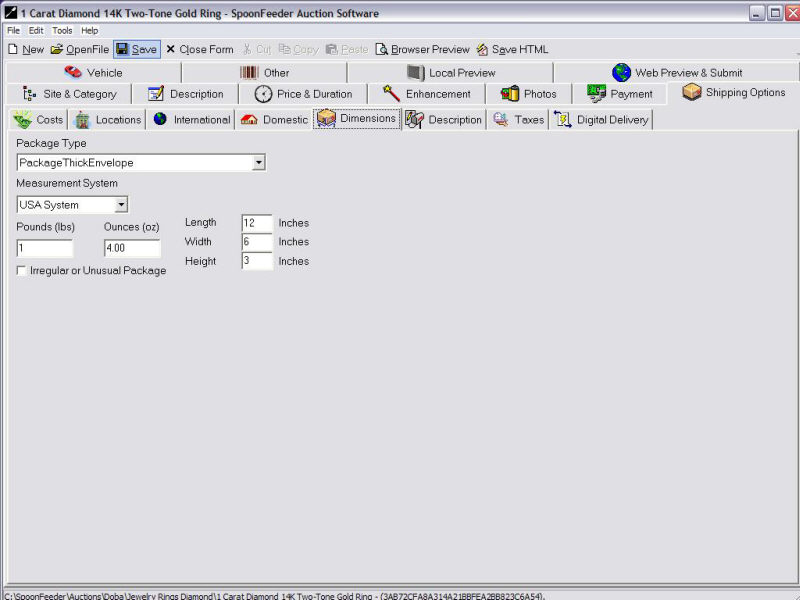
Define the dimensions of the shipping package and the type of packaging you will use. This is needed for some
shipping calculators.
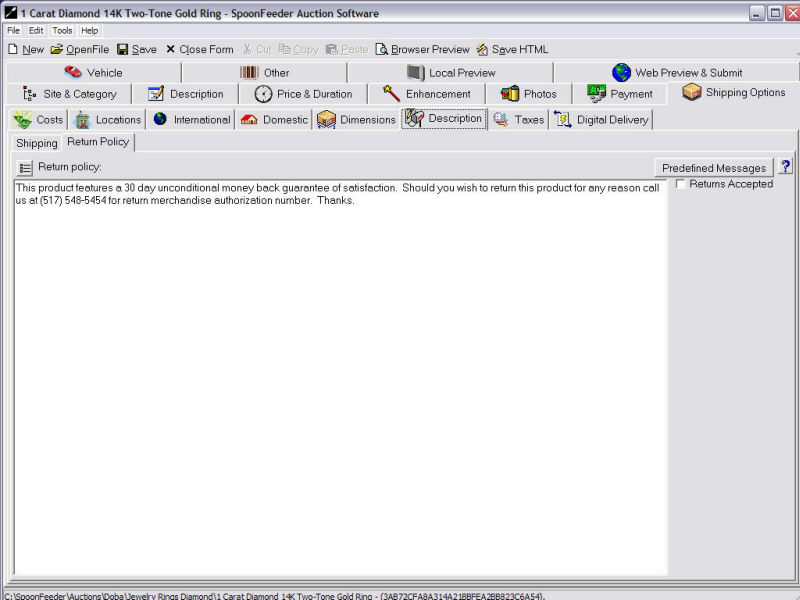
Spell out your shipping policy description, your return policy description, and define if you will accept
returns and your details and limitations for returns.
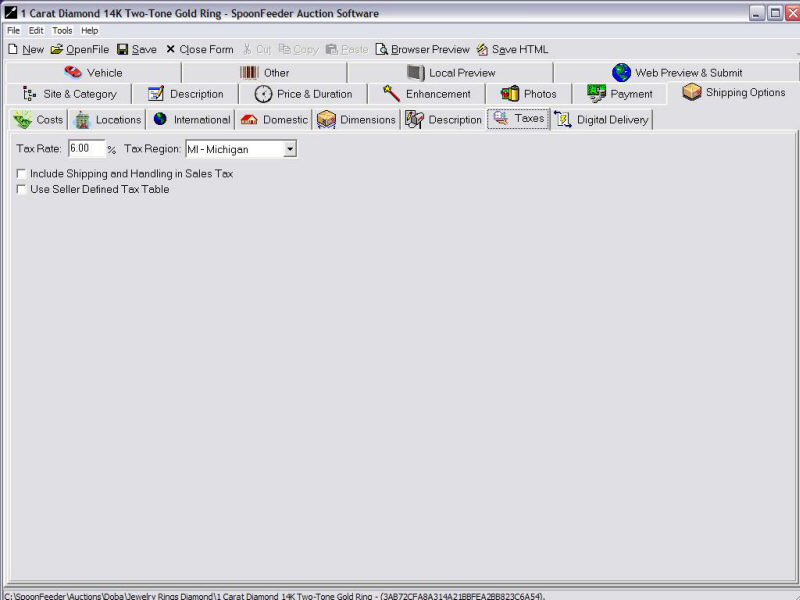
Define the tax region and percentage.
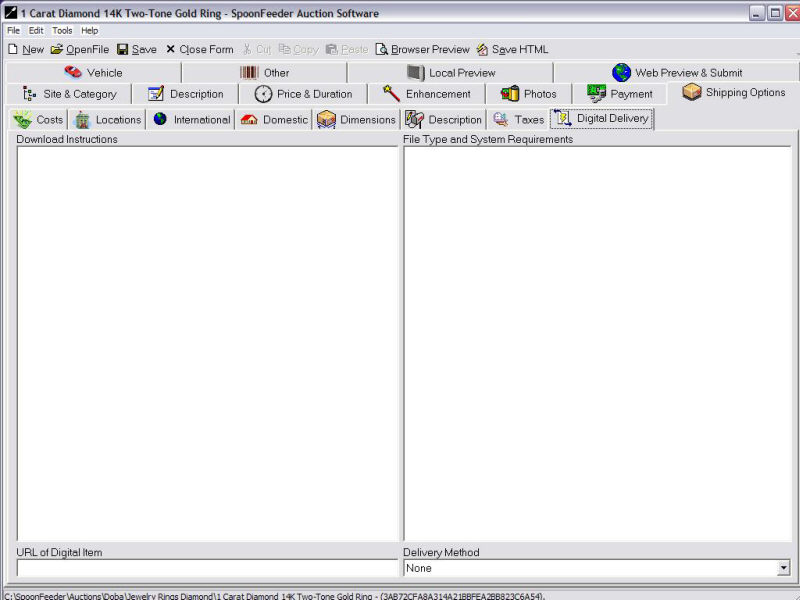
Specify download instructions, URL, file type, system requirements and delivery method for digitally delivered goods.
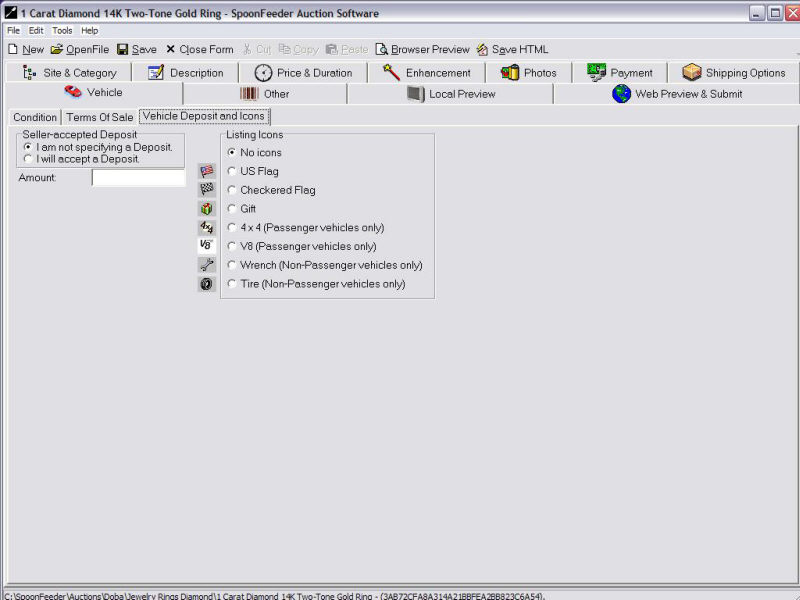
Selling a vehicle? Specify the condition, terms of sale, deposit details, and special icons.
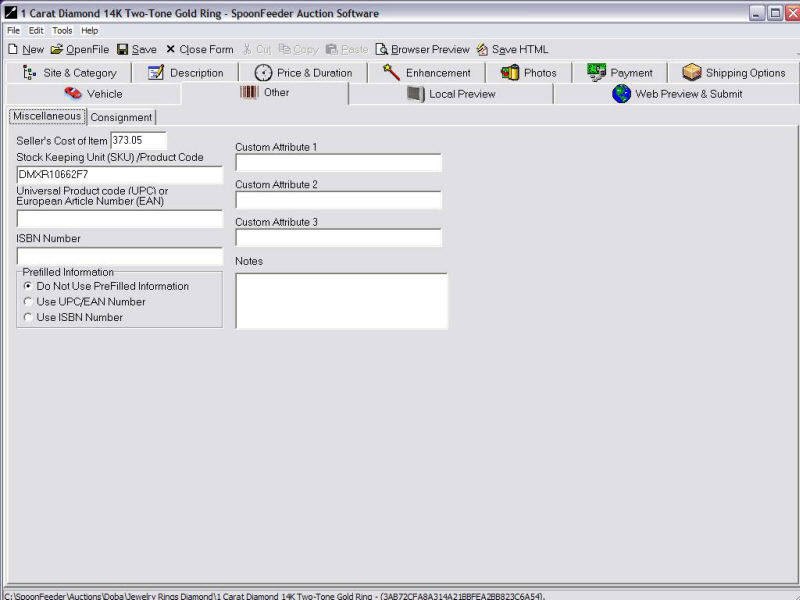
Use prefilled item information and photos on eBay by specifying the item's UPC bar code, ISBN numbers on books, or EAN codes.
Each item can also have custom attributes useful in categorization, and a spot to store private notes about the item.
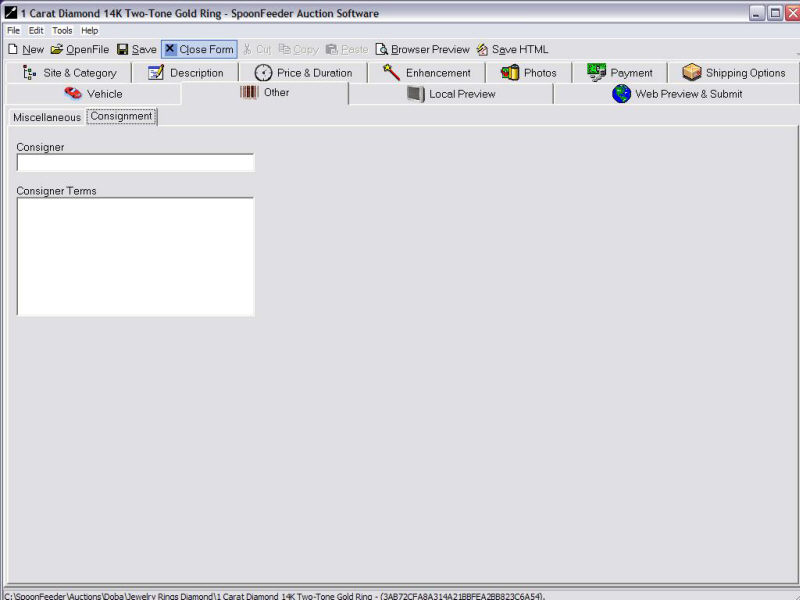
If you sell on behalf of others, for each item you may specify the consigner and consignment terms.
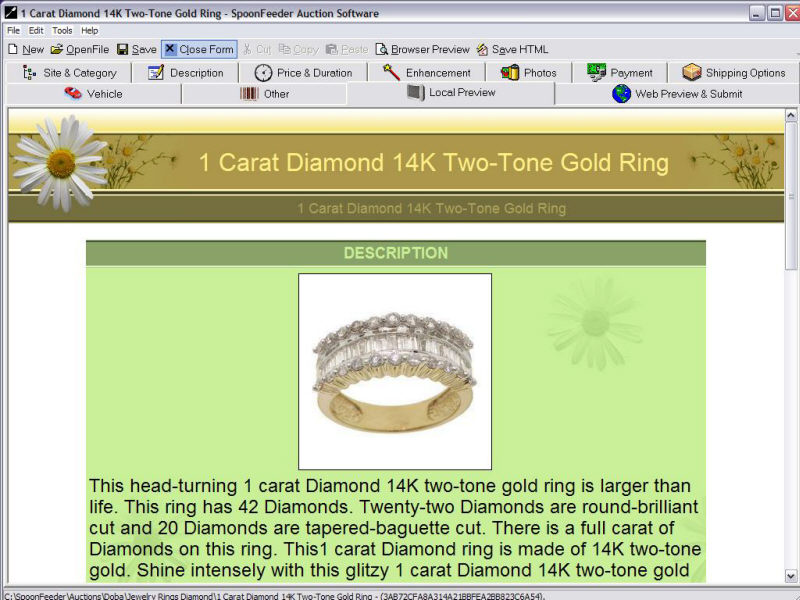
Local Preview allows you to see how your listing appears before uploading any pictures or submitting the listing.
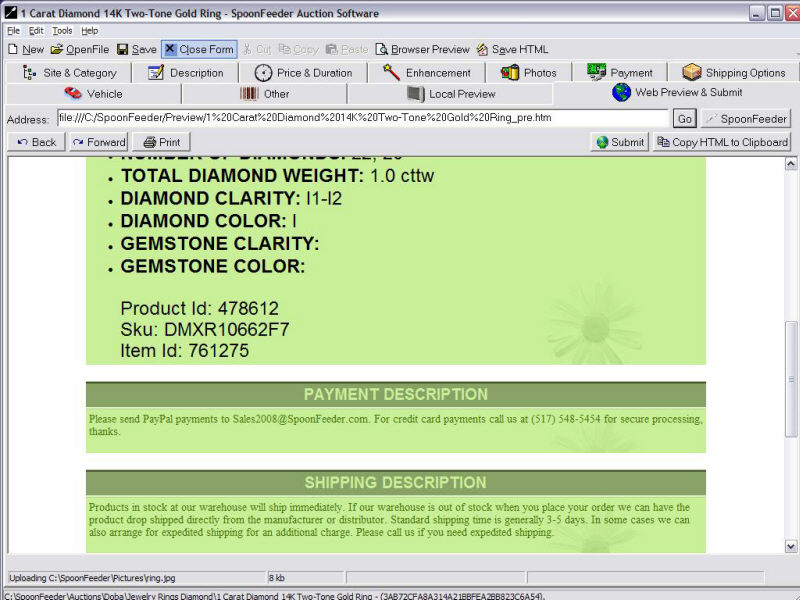
Web preview automatically uploads your pictures to the SpoonFeeder server (or to your own FTP server) for hosting during the auction period.
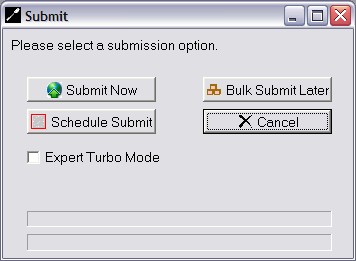
Choose to submit your item immediately, schedule it to submit at a specific date and time, or put it into
bulk status to be submitted as a batch with other items, later on demand.
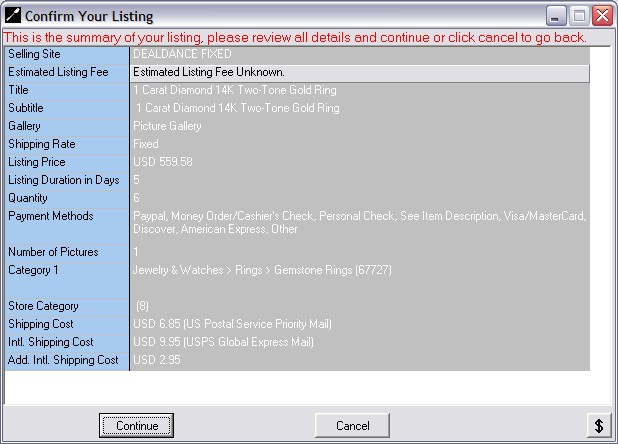
Review and confirm the details of the item before submission to the selling website.
In the case of eBay, the anticipated listing fee is visible BEFORE the item is submitted so you
can be sure you are not paying for expensive listing enhancements or features you don't want.
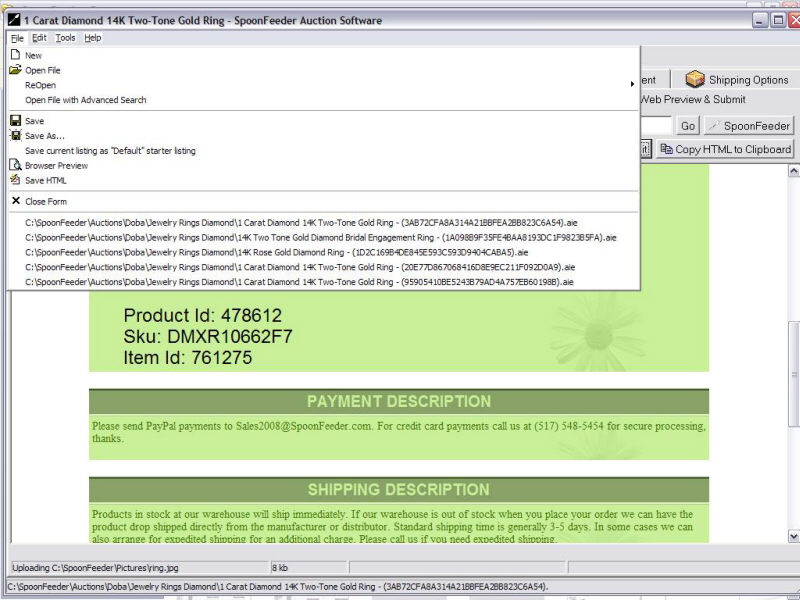
Listing Creator file menu provides access to many functions including fast reopen of recent listings.
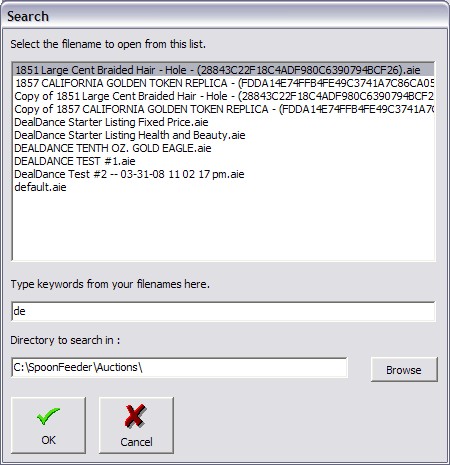
Need to find a needle in a haystack? SpoonFeeder's open file with advanced search function lets you
progressively narrow down the search for your item when you need to reopen them.
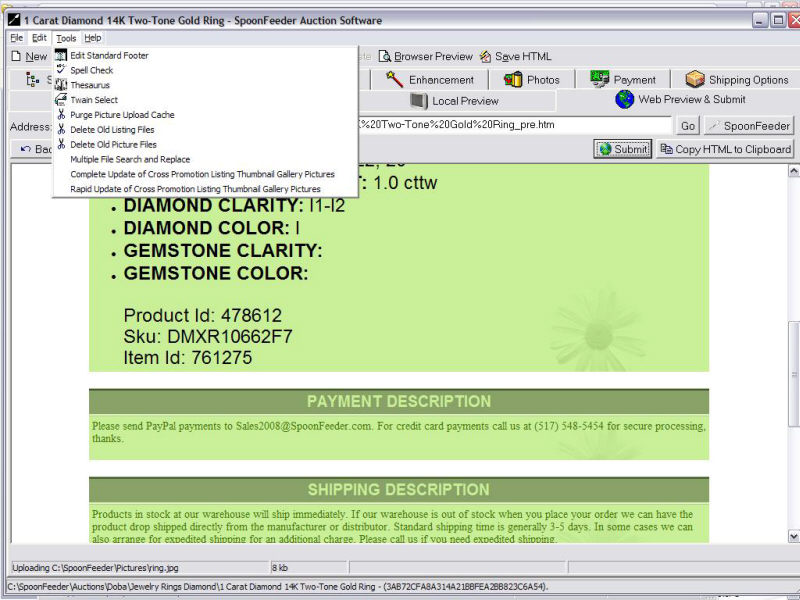
Listing Creator tools menu gives on demand access to spell checker, thesaurus, twain image import functions and more.
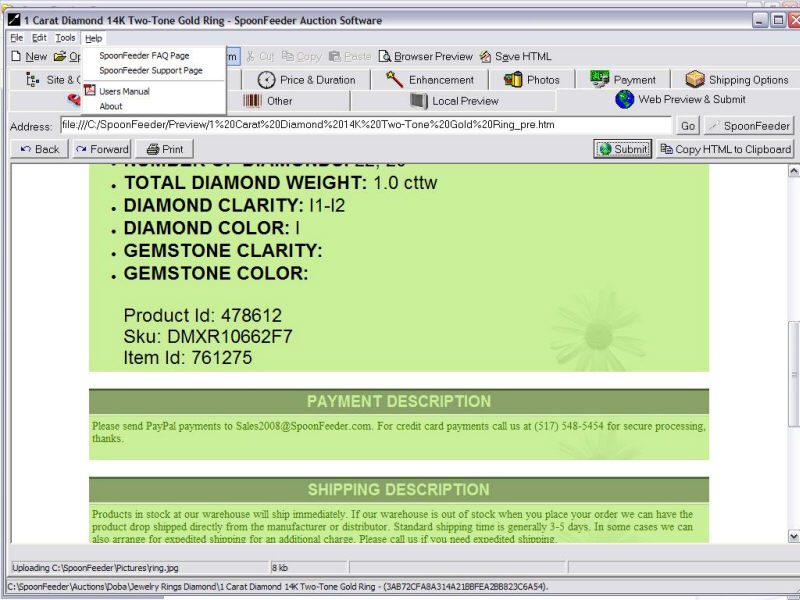
The help menu puts you in touch with the answers.
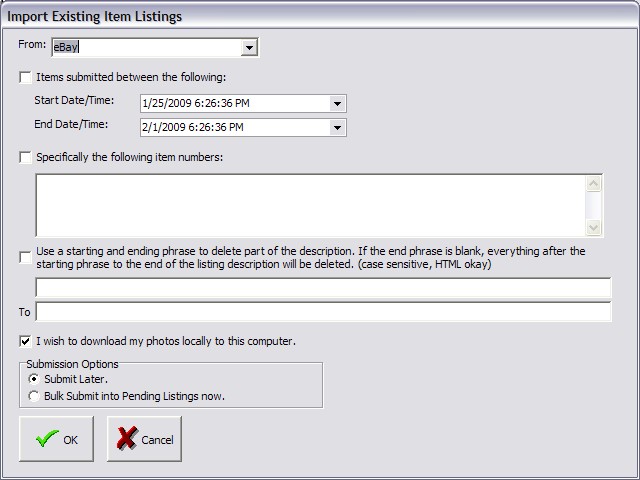
Got a bunch of existing listings on eBay you want to import? No problem, specify which ones and
SpoonFeeder automatically brings them in from eBay to create SpoonFeeder listings which can be edited and resubmitted
to eBay or elsewhere. Plus if your pictures are tied up in some other picture hosting service, SpoonFeeder
can recapture them and bring them back to your own private control on your computer.
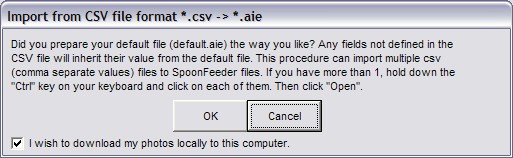
Import items from a drop shipper catalog, a manufacturer's list, or from Turbo Lister's CSV file format.
This lets you import and migrate hundreds or thousands of listings very quickly.
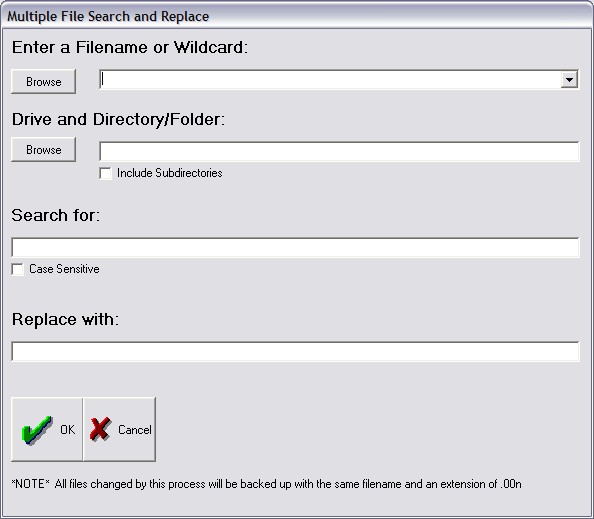
Change, update or revise an email address, phone number, postal address or other text inside of any kind of file using the
multiple file search and replace function. No more changing them one by one.
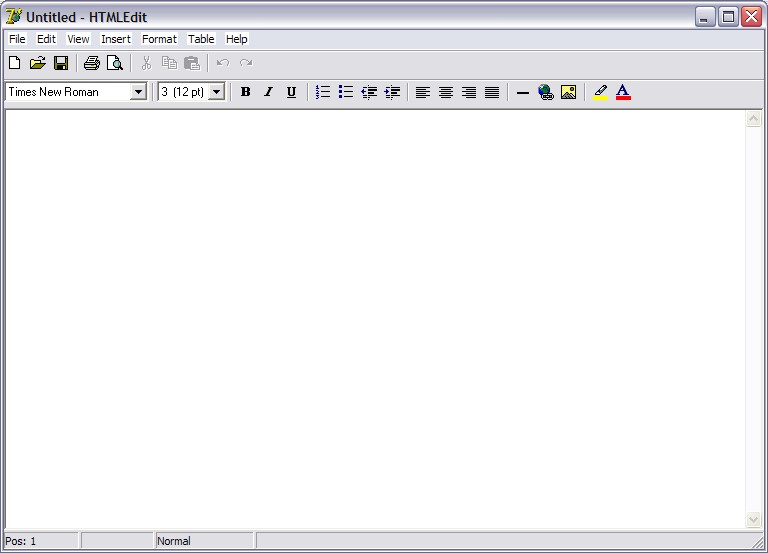
SpoonFeeder includes a full wysiwyg html editor on the main screen tools menu.
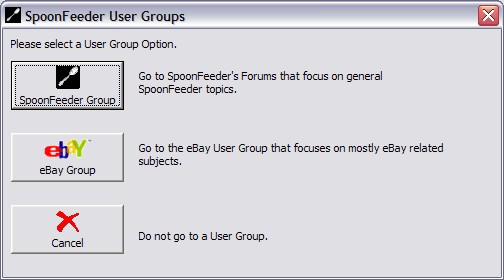
Two different online community forums are available allowing you to keep in touch or ask questions of other SpoonFeeder users.
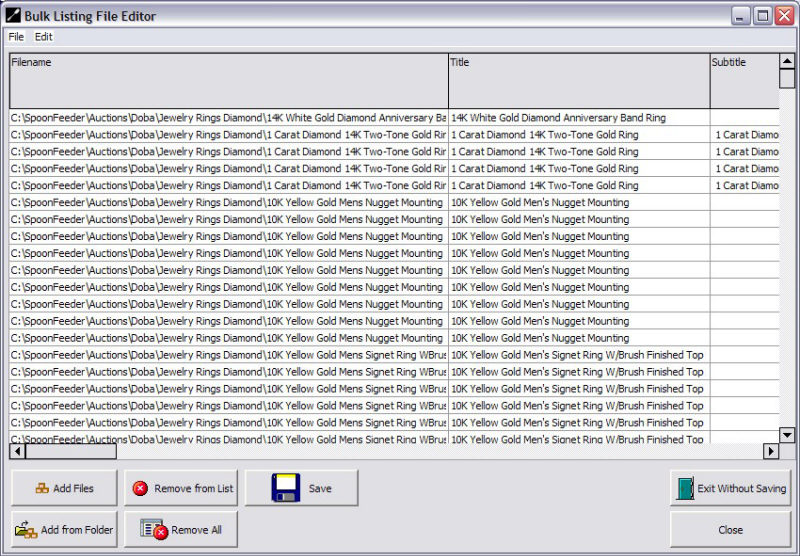
Bulk Editor lets you work on many listings all at once.
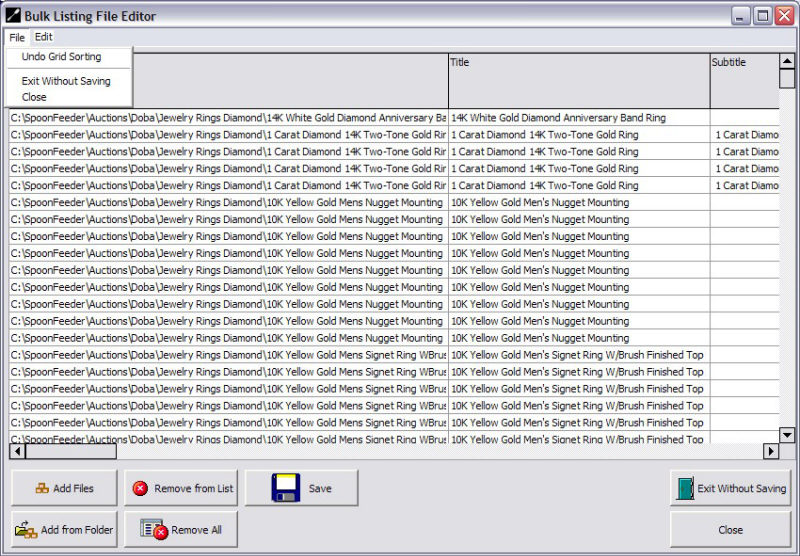
You can modify the sorting options, add or remove listing files individually or add them a whole folder at a time.
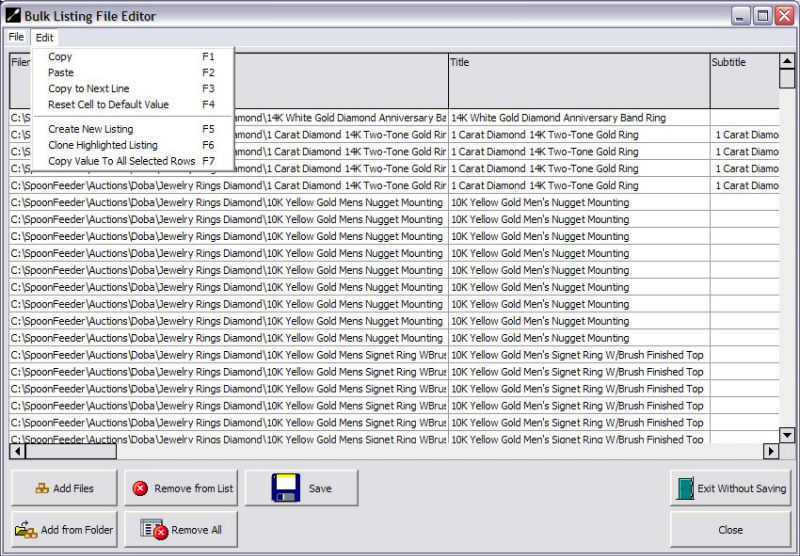
The Bulk Editor Edit menu gives you access to many powerful copy, paste and cloning features. You can
reset field values for all the selected records, copy a value to all selected records and speed up
the simultaneous revision of hundreds or even thousands of listings.
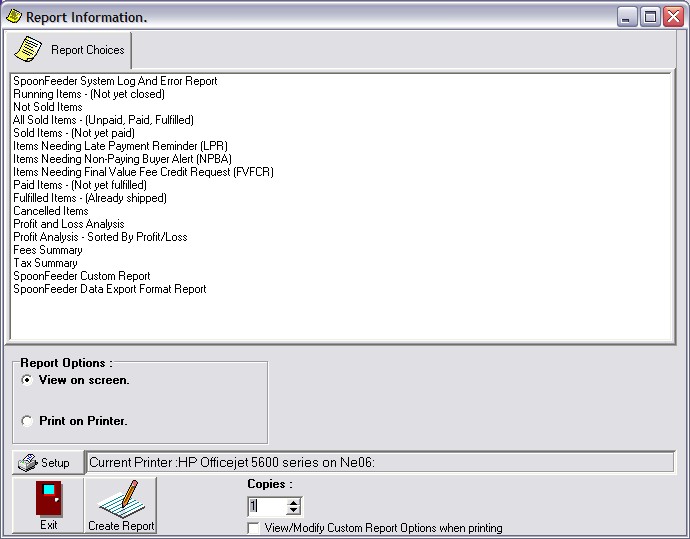
SpoonFeeder offers many useful reports that you can view, search, save or print.
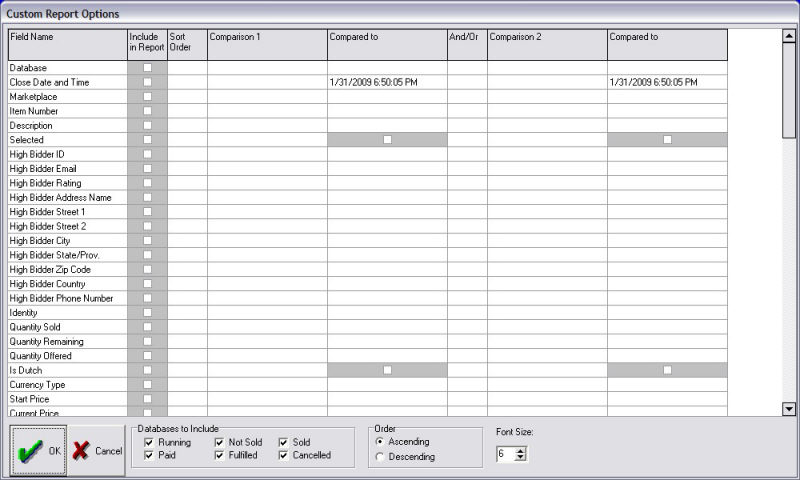
You may also customize your reports to include the fields of your choice, modify the sort order, and perform
comparison logic and filtering to generate the precise report you need.
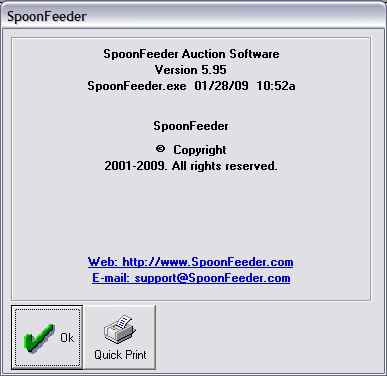
The about box give you information about the current version of the software you are using, and the date it was released.
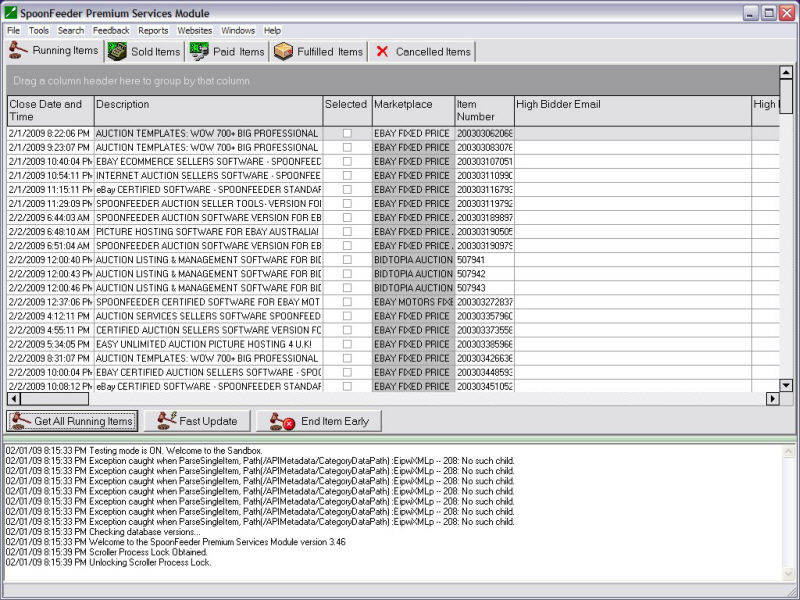
Track all your currently active and running items, while allowing you to sort them by any column or double
click any item to be immediately taken to view the item live on the selling website.
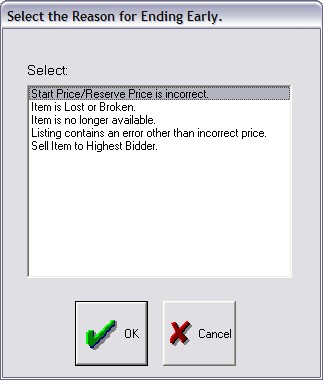
End listings early either keeping any existing bids, or cancelling all bids before ending early.
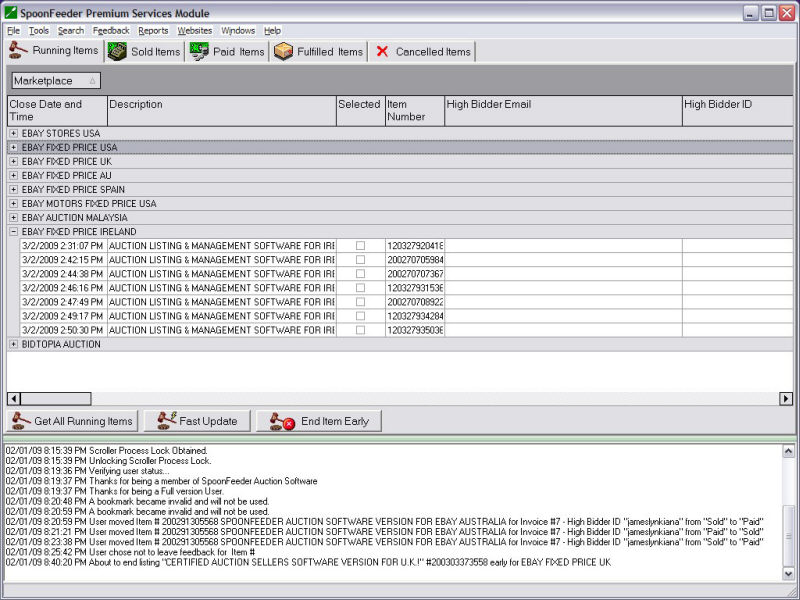
SpoonFeeder has advanced filtering logic and live grid sorting by any column. See your items
organized any way you like, by selling site, by current price, by category, etc.
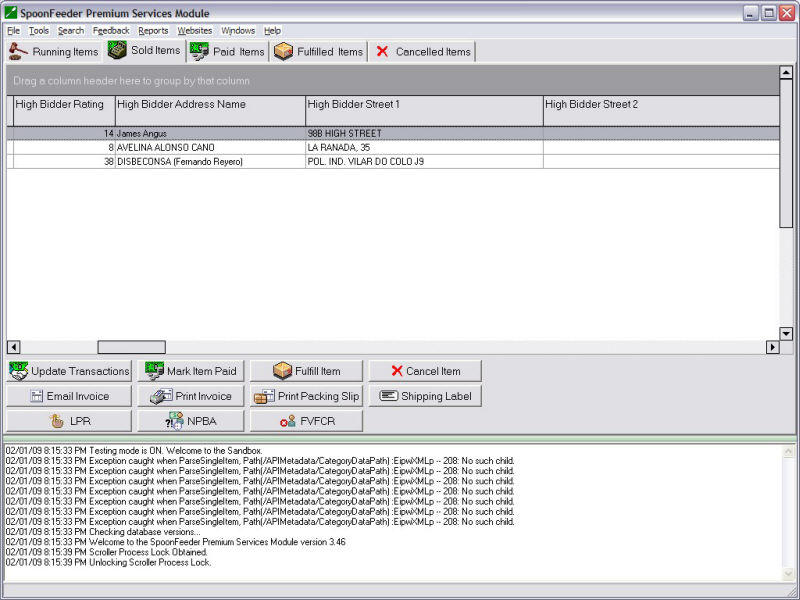
When the sales start rolling in, keep track of the sold items and send the buyers invoices. Invoicing can even
be automated if you choose.
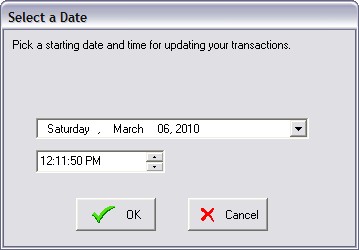
Update all your transactions since a certain date.
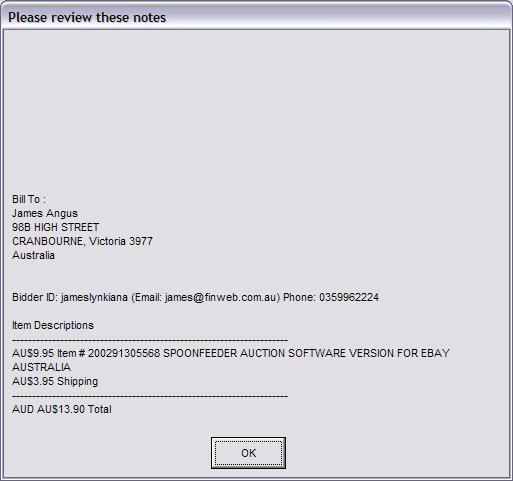
Mark items paid when you receive the funds and send email notification to the buyer.
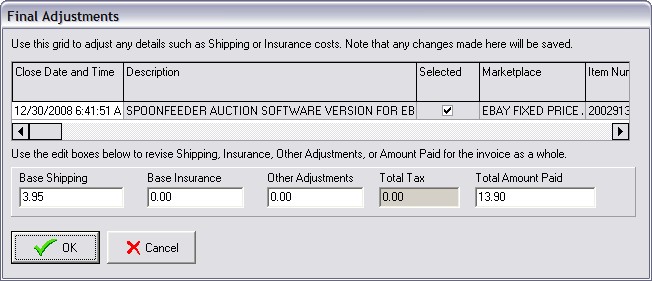
SpoonFeeder lets you adjust all the invoice details to do things like consolidate shipping charges.
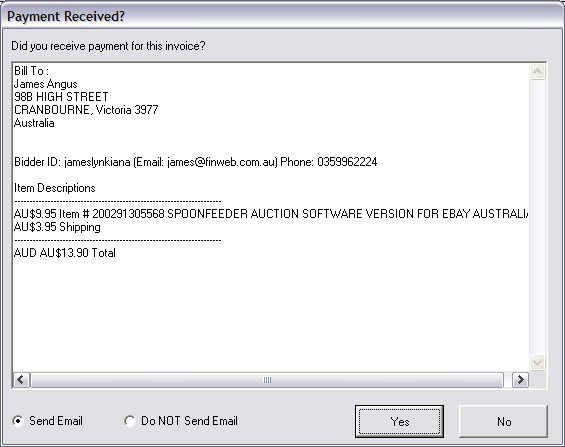
Mark items paid and send an email to the buyer to let them know you received their payment.
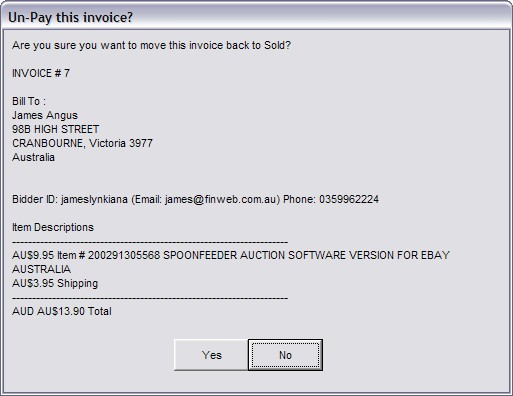
If the payment does not clear or you if you mark something paid by mistake, you can mark it unpaid.
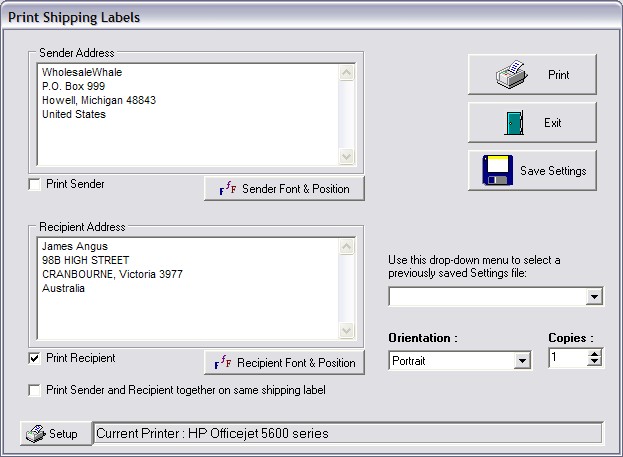
SpoonFeeder helps you print shipping labels.
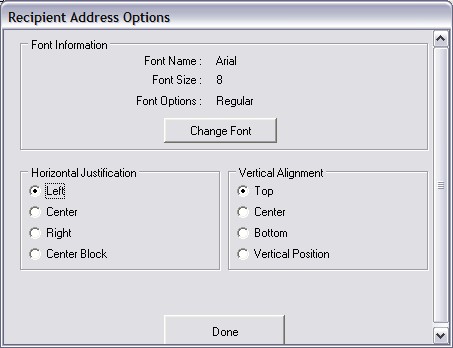
Many options are included on the shipping labels.
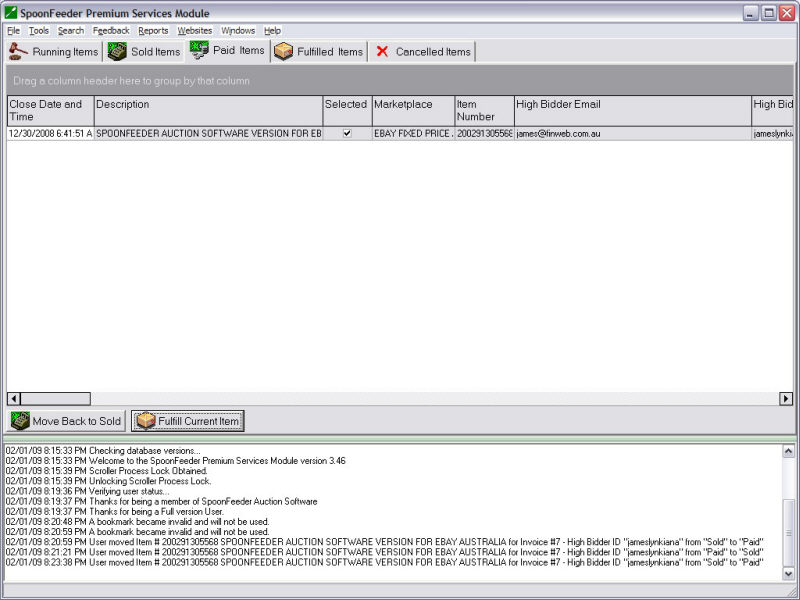
View all the items in paid status.
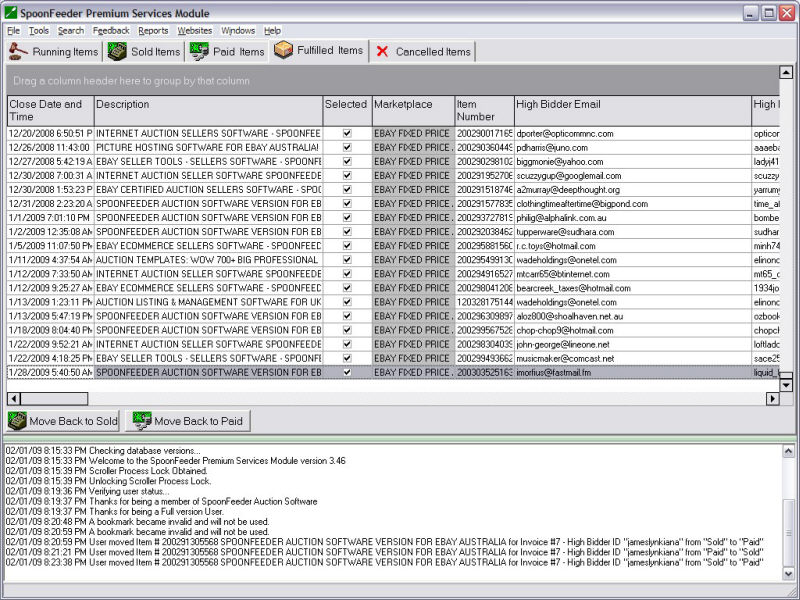
After marking items paid they move into the fulfilled or shipped status, again sending an automatic email
to the buyers to let them know to expect their delivery.
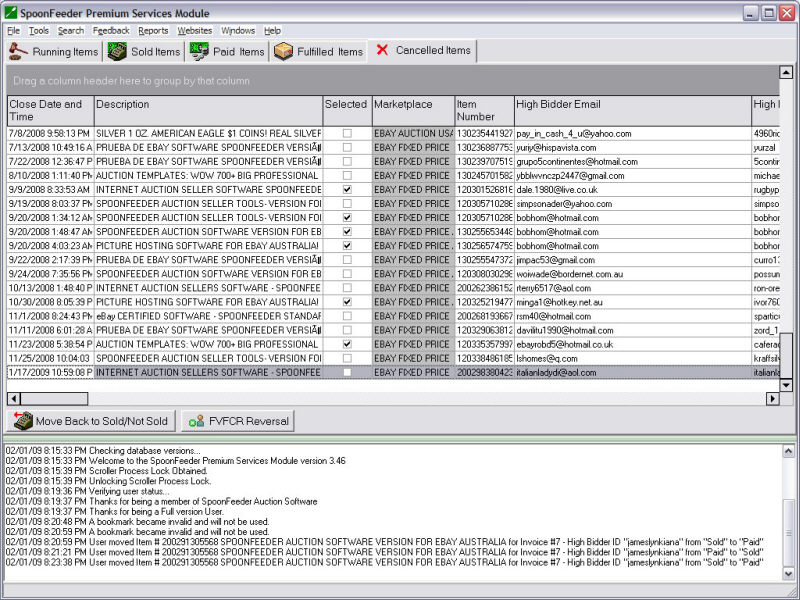
When items are cancelled, they move to the cancelled status tab.
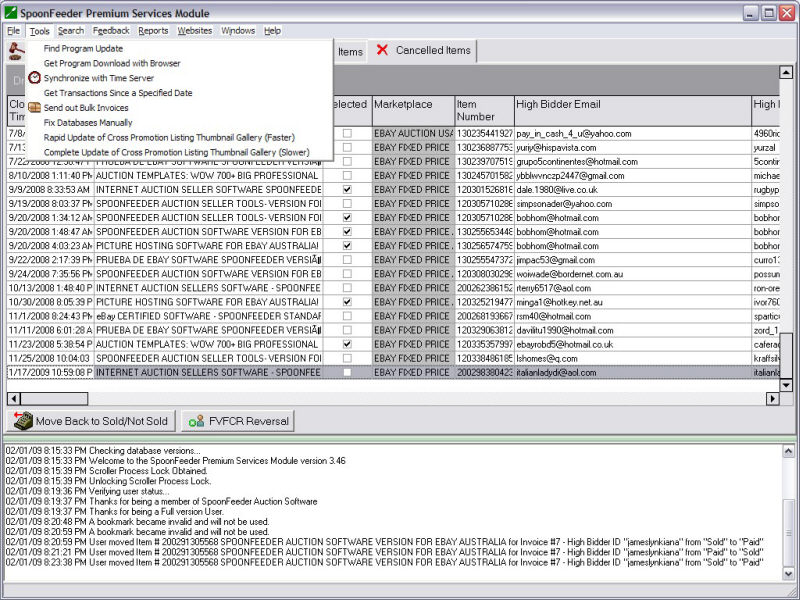
The tracking module tools menu lets you send out bulk invoices, find program updates and more.
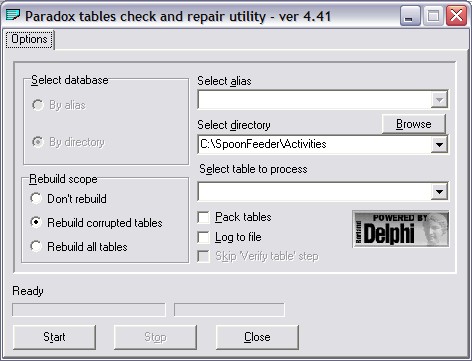
A database repair utility is included in case you have a problem with your computer or disk drive you can
recover your valuable SpoonFeeder data.
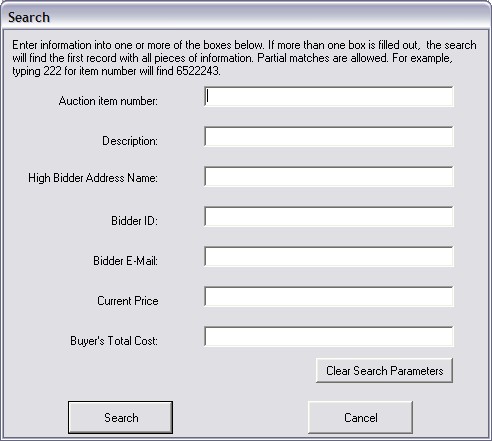
The tracking module lets you search for an item by any part of its item number, by the description,
by bidder ID, address, email, price or cost.
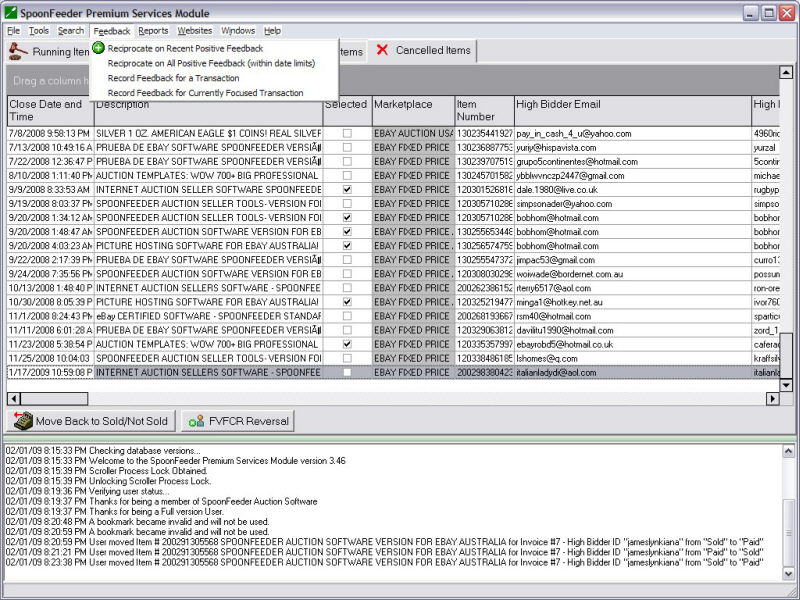
The tracking module feedback menu gives quick access to all the different feedback options.
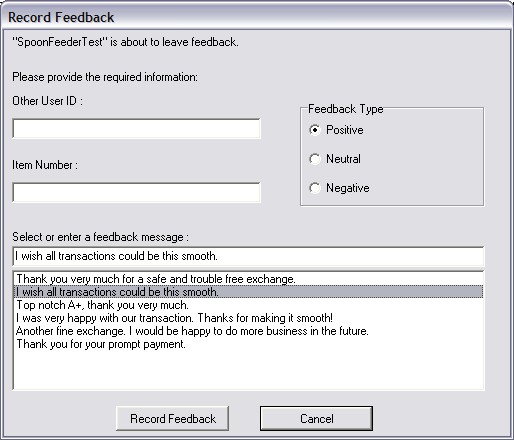
If you wish to leave feedback interactively, choose the type of feedback, positive, neutral or negative, and select
from one of the predefined messages or enter a new feedback message.
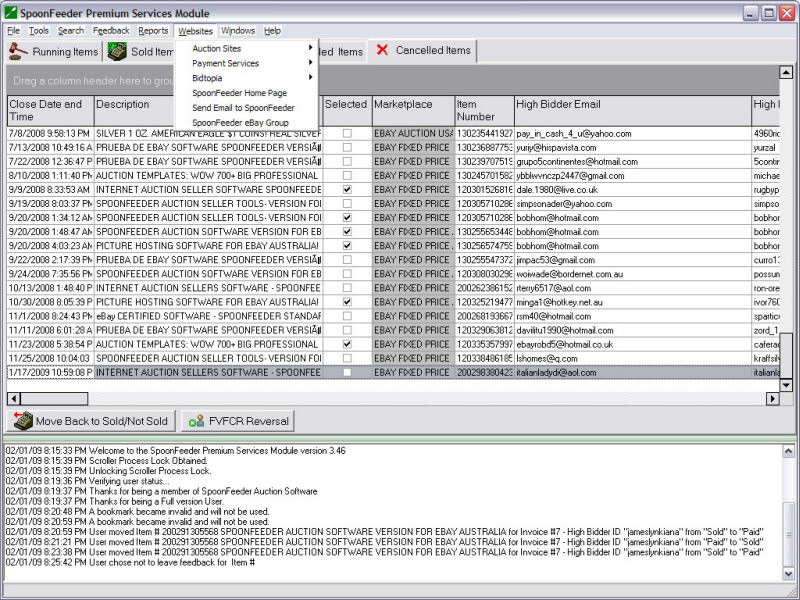
SpoonFeeder's tracking module give fast access to a number of handy websites.
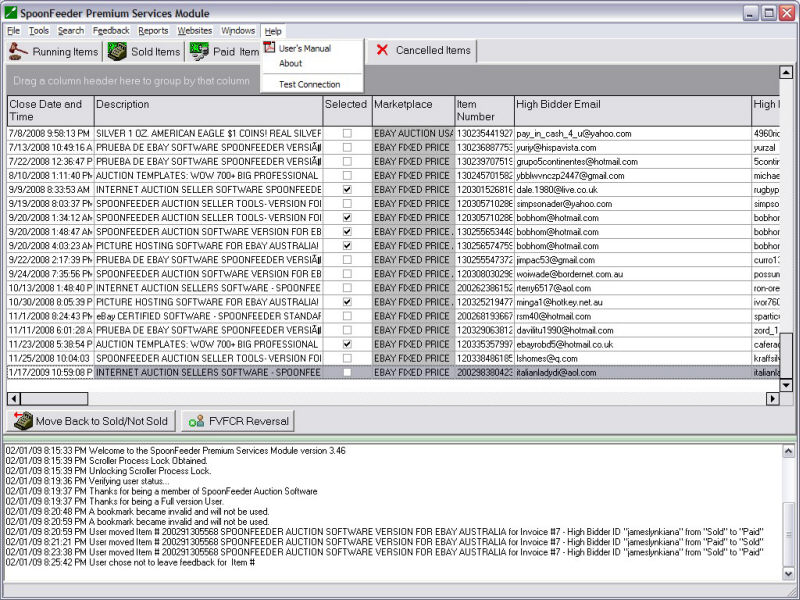
Access the users manual or test your internet connection using the tracking module help menu.